OpenClaw Port Conflicts: Why They Happen and How TryOpenClaw Avoids Them
OpenClaw port conflicts usually happen when two services try to listen on the same port, or when a previous process never released it cleanly. If you are self-hosting OpenClaw, that can stop startup, break updates, or leave your agent unreachable. TryOpenClaw removes that burden by running OpenClaw in a managed private cloud environment built to avoid those setup problems from the start.
Key takeaways
- Port conflicts are a common self-hosting problem, not an OpenClaw-only issue.
- The issue often appears during startup, after updates, or when multiple services compete for the same port.
- TryOpenClaw avoids the usual clone-repo, Docker, and port setup work by providing a ready-to-use instance.
- Each agent runs in its own isolated environment, which helps reduce cross-instance interference.
- Managed hosting is a practical fit if you want to start automating instead of spending time debugging infrastructure.
What a port conflict means in OpenClaw
A port conflict means OpenClaw cannot bind to the network port it expects because something else is already using it. In practice, that can show up as a failed launch, a stalled service, or an agent that appears installed but never becomes reachable. The underlying issue is simple: only one process can own a port at a time.
For a self-hosted setup, this matters because OpenClaw is only one part of the stack. If another app, container, or leftover process is already occupying the port, OpenClaw has to wait, move, or fail. That is why the problem often feels random to users, even though it usually comes from the same root cause.
Why self-hosted OpenClaw runs into port conflicts
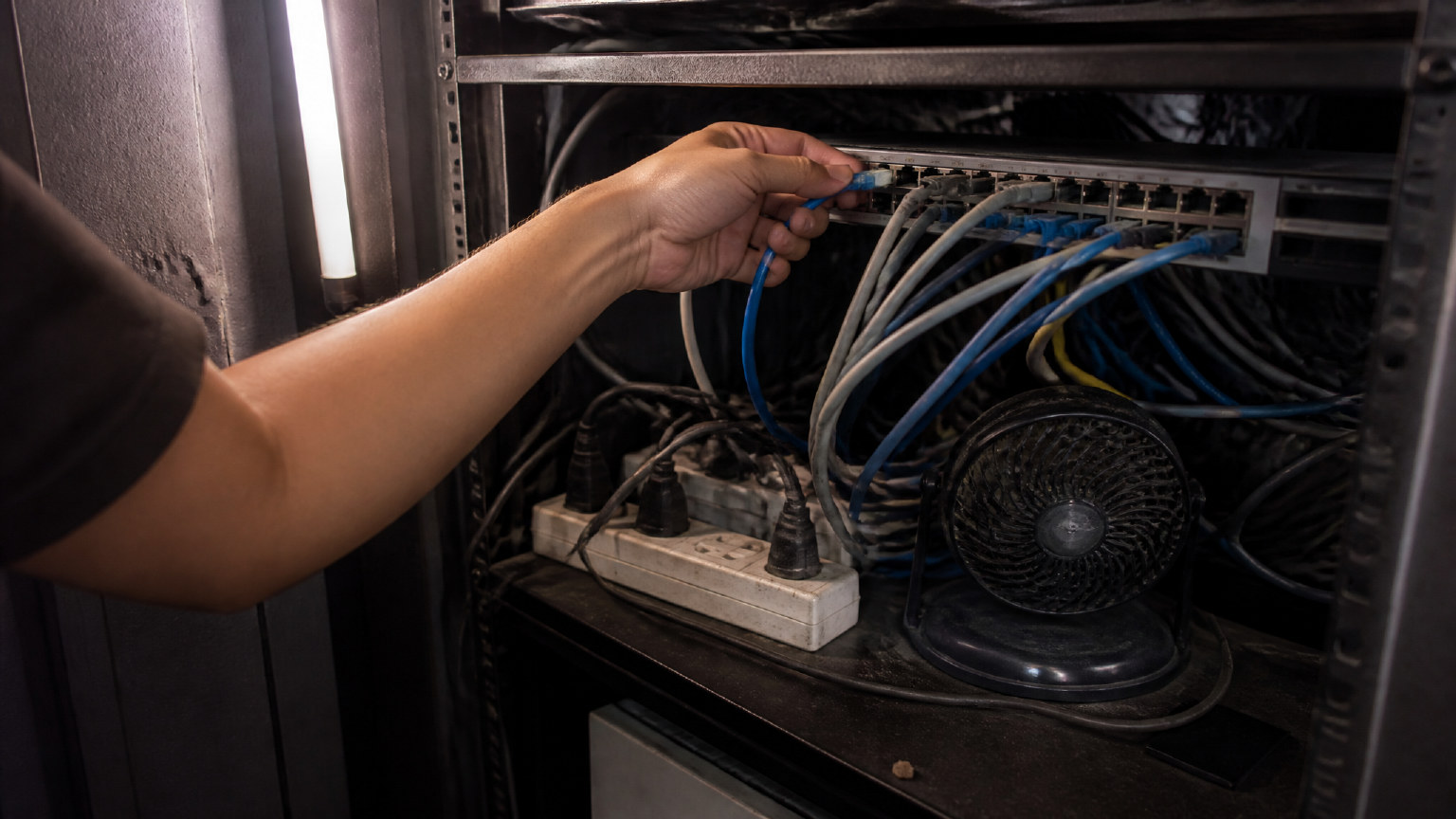
Self-hosted OpenClaw runs into port conflicts because the environment is rarely empty. You may already have another service on the machine, a previous Docker container still holding the port, or a version change that shifts how the agent starts. When several tools share one server, the chance of overlap rises quickly.
Version updates can make the issue worse. An agent that worked yesterday may fail today if the new release expects a different port, a different dependency state, or a cleaner runtime than the one already on the machine. Add clone-repo steps, manual configuration, and process cleanup, and you get a setup that is easy to disturb and hard to keep stable.
How TryOpenClaws prevents port conflicts from the start
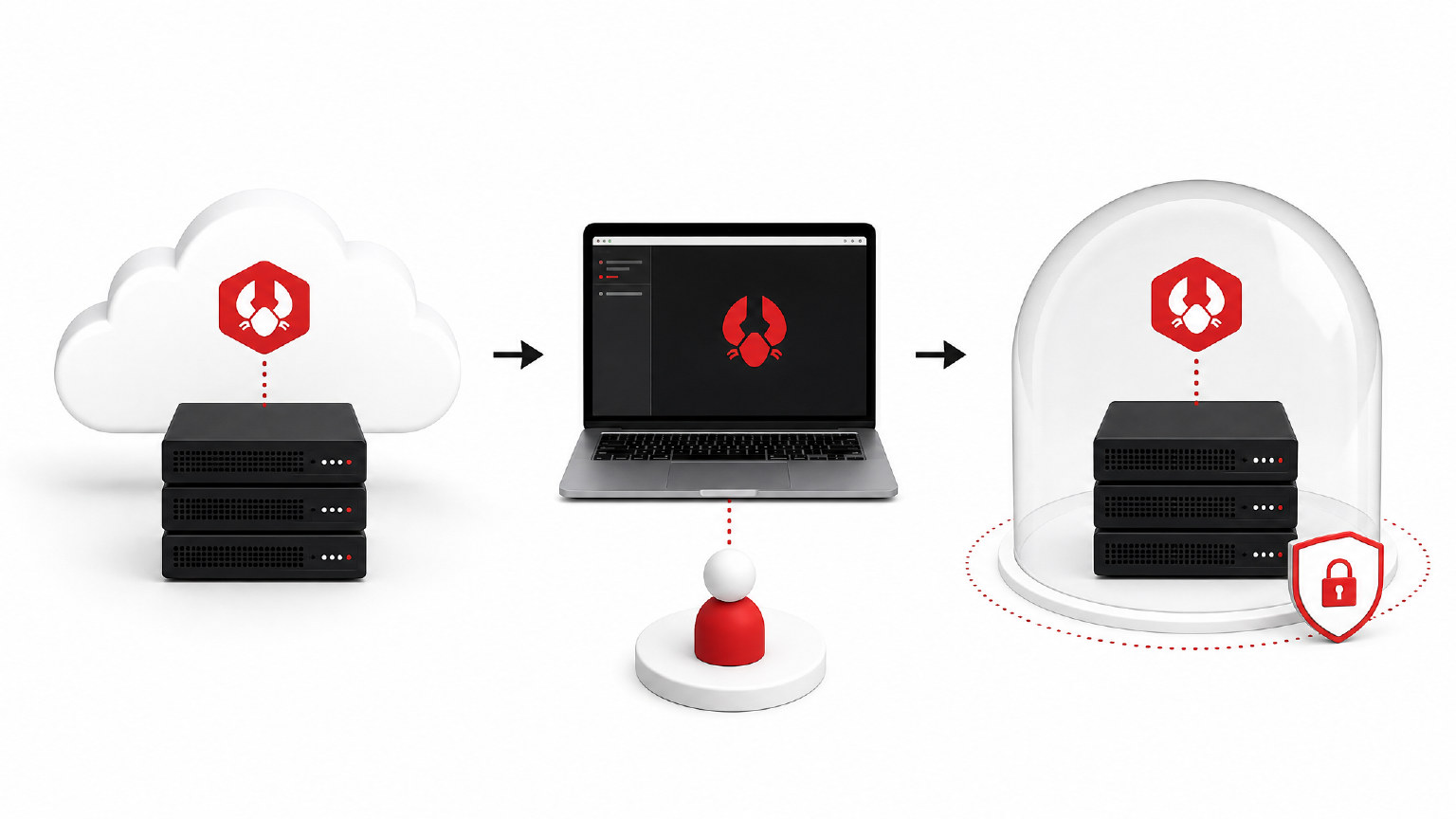
TryOpenClaw avoids the usual port conflict path by giving you a managed OpenClaw instance instead of asking you to build the environment yourself. You do not need to clone a repo, run Docker locally, or sort out which port is free before you can begin. The instance is prepared for you, so the first step is using the agent, not debugging the stack.
Because each agent runs in its own isolated environment on private cloud infrastructure, one setup does not interfere with another. That isolation reduces the chance that a separate service will collide with your OpenClaw instance. It also helps keep your workflow more predictable when you return to the agent after an update or a restart.
What you get instead of debugging ports
Instead of spending time on port checks, you get a working environment that is ready for actual tasks. That means you can assign work to an agent for coding support, CSV or Excel analysis, workflow automation, market research, Telegram or Discord community management, SEO content, video scripts, basic image tasks, or translation. The value is not only fewer errors; it is less interruption between the idea and the execution.
TryOpenClaw also fits teams and builders who want a SaaS-style workflow. The service includes a Free and a Starter option, with OpenClaw access, free AI tokens, and no API key required in the listed plans. If your goal is to automate faster, a managed instance is usually more useful than a local setup that needs constant attention.
When TryOpenClaw is the better fit
TryOpenClaw is the better fit when you want OpenClaw to work as a service, not as an infrastructure project. If you do not want to spend time on ports, Docker, version mismatches, or recovery after a bad update, managed hosting removes a large part of the friction. That is especially useful for developers, businesses, and AI automation users who need reliable execution more than environment maintenance.
It is also a strong choice when you want a private environment with less operational noise. Since the platform is built to launch quickly and recover automatically when issues occur, you can focus on the agent’s output instead of the server underneath it. For many users, that is the real difference between experimenting with OpenClaw and actually using it day to day.
FAQ
What causes OpenClaw port conflicts most often?
The most common cause is another process already using the same port. Leftover containers, another local service, or an update that changes startup behavior can all trigger it.
Can a port conflict stop an OpenClaw agent from starting?
Yes. If OpenClaw cannot bind to the port it expects, the agent may fail to launch or become unreachable.
Does TryOpenClaw require me to manage ports myself?
No. TryOpenClaw provides a managed OpenClaw instance, so you do not need to handle the usual port setup steps yourself.
Why is isolation useful for avoiding port problems?
Isolation keeps one agent environment from interfering with another. That lowers the chance of collisions and makes the setup more predictable.
Who benefits most from managed OpenClaw hosting?
It is a good fit for developers, builders, and teams that want to automate work without spending time on infrastructure debugging.
OpenClaw port conflicts are usually a sign that the environment is doing too much manual work. If you are self-hosting, the problem can come from ports, containers, updates, or other services on the same machine. TryOpenClaw removes that layer of friction by giving you a managed, isolated OpenClaw instance so you can start automating sooner and spend less time on setup issues.
Related Posts

Trợ lý AI hỗ trợ lập trình viên độc lập những công việc gì

Cách yêu cầu AI agent tổng hợp số liệu kinh doanh từ file Excel