OpenClaw port clashes usually mean your local setup is already using the port the agent needs, not that OpenClaw itself is broken. If you are trying to start it today and it stops on launch, the fastest fix is to identify what is occupying the port and decide whether to free it, change it, or avoid the local setup entirely.
That matters because a port clash can waste time on Docker, version mismatches, and repeated restarts when the real problem is just a conflict on your machine. In the sections below, you will see how to spot the occupied port, how to clear or reassign it, and when managed cloud is the simpler path.
If your goal is to get an agent running without spending the rest of the day on local debugging, the practical answer is often to move away from manual port repair. A managed OpenClaw environment gives you a ready instance, so you can log in, assign work to the agent, and start automating instead of troubleshooting startup issues first.
What a port clash is in an OpenClaw setup
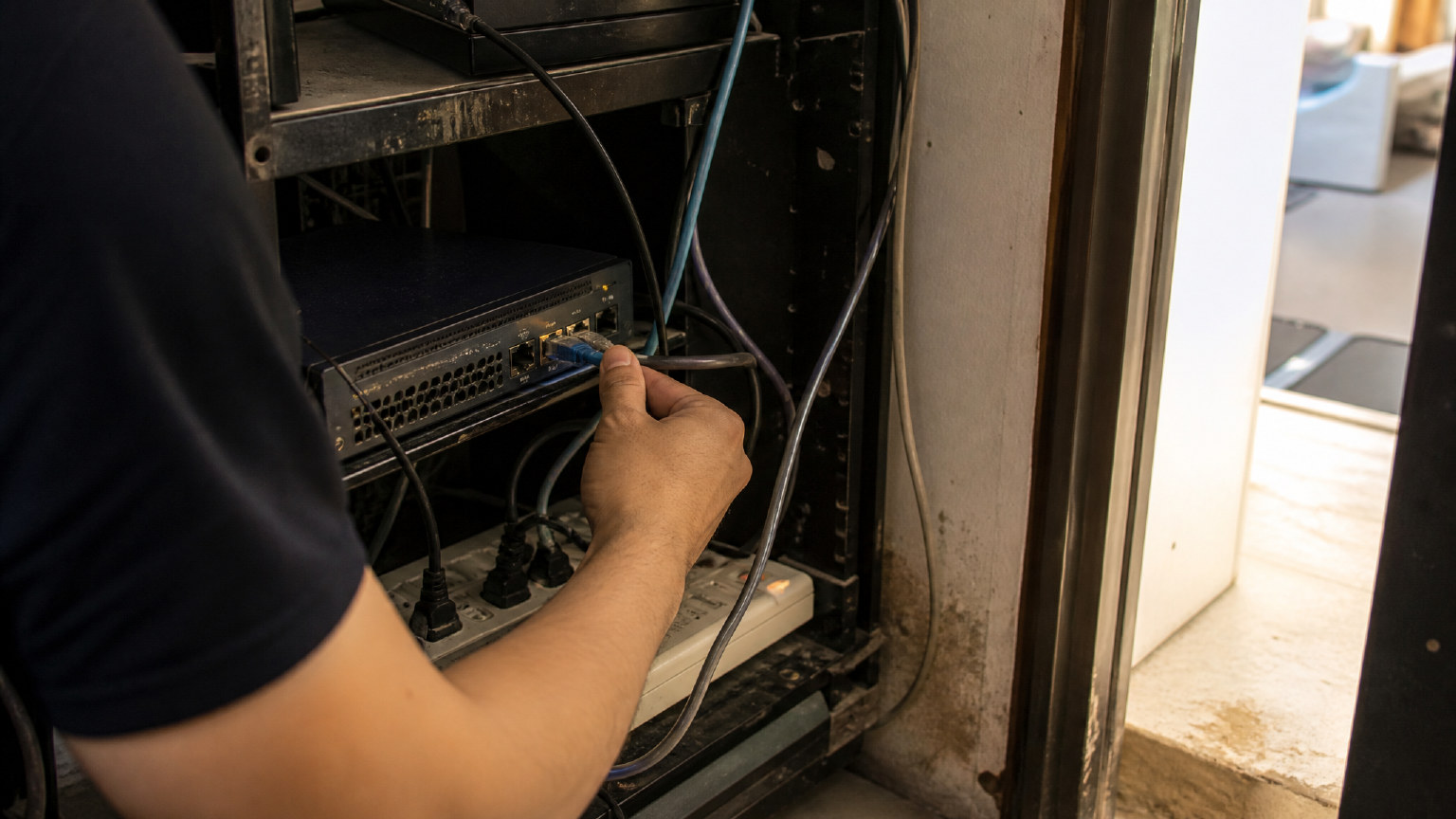
A port clash means OpenClaw is trying to use a port that another process already owns. In practice, the app starts, asks the operating system for a port, and gets blocked because something else is already listening there. The result is usually a startup failure, a service that never becomes reachable, or a confusing error that looks bigger than it is.
This is a local environment issue, not proof that OpenClaw itself is broken. On a laptop, server, or self-hosted instance, a clash can come from a previous process that did not exit cleanly, another tool using the same port, or a version change that shifted defaults. If you are seeing openclaw port clashes, the first thing to check is what is already bound to that port before you assume the agent stack has failed.
The important detail is that ports are shared resources on the machine, so two services cannot listen on the same one at the same time. That is why the symptom often appears during launch, after an update, or when you restart a service that was still holding its previous socket. In a managed environment, this entire class of conflict is handled for you; in a manual setup, you have to find the process, free the port, or move the service to a different one.
Why self-hosted OpenClaw runs into port clashes
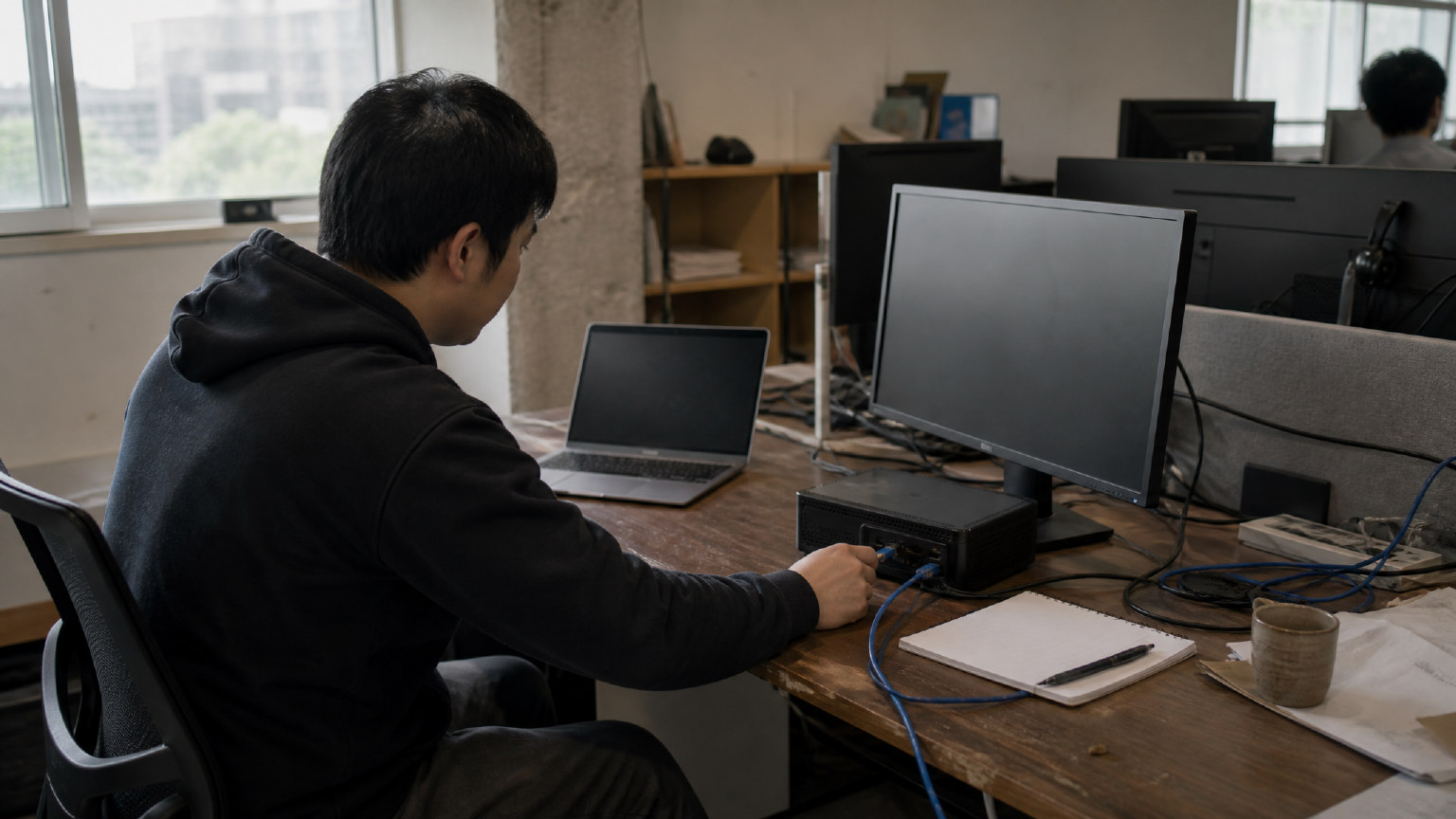
Self-hosted OpenClaw runs into port clashes because the local machine is already doing other jobs. A developer workstation or small server often has a browser, a database, a reverse proxy, a previous agent session, or another service holding the same port before OpenClaw starts. When that happens, the problem is usually not OpenClaw itself; it is the surrounding setup, the state of the machine, or a leftover process that never released its socket.
This is why the issue shows up so often in manual installs. You are not just launching one app. You are coordinating ports, background processes, version changes, and dependencies on a system that may already be busy. If a service restarts after an update, it may try to reclaim the same port while the old process is still alive. If the machine was reused for another stack, the clash can appear even before the first agent is ready. In practice, the port is occupied because something else is listening, and the host has no room for two listeners on the same port at once.
There is also a difference between a one-off local test and a real self-hosted setup. During testing, you may only need to free one port and continue. In ongoing use, the same clash can return whenever the machine reboots, another tool starts automatically, or a dependency changes its default binding. That is why manual port repair often becomes part of the workflow itself. If you want to avoid that loop, the better question is not only how to fix the conflict, but whether the environment should be managed for you in the first place.
One practical reason clashes happen is simple reuse. Many local stacks share the same host, and each service brings its own default port assumptions. A developer may already have something on the port OpenClaw expects, or a previous container may still be bound to it after a failed shutdown. Even when the service is gone from the screen, the process can still be alive in the background, which makes the port look unavailable until you inspect and clear it.
Another common trigger is instability after changes. When an agent, dependency, or runtime is updated, the service may restart differently than before and try to bind where another process already sits. That is why a setup can work yesterday and fail today without any obvious change in your code. The clash is then a symptom of local state, not a sign that OpenClaw is broken.
For teams that want to spend time on automation instead of host maintenance, this is the point where managed hosting becomes more attractive. A private environment with the service already prepared removes the need to chase port ownership every time the stack changes. It also keeps each agent in its own space, so one workflow does not interfere with another. If you are still debugging a local machine, the underlying issue is usually the host, not the agent.
How TryOpenClaw Prevents Port Clashes by Default
TryOpenClaw avoids openclaw port clashes by giving you a private environment where the service is already prepared, so there is no local port to hunt down, free, or rebind before you start working. That shifts the problem away from manual repair and into a managed setup that is ready when you log in. For developers and builders, the practical result is simple: you can assign work to an agent instead of spending time on host-level troubleshooting.
The main reason this helps is that the clash usually comes from the local machine, not from OpenClaw itself. On a self-hosted setup, a port may already be occupied by another service, a previous process that did not exit cleanly, or a version mismatch after an update. In a managed cloud instance, those collisions are handled before you ever reach the workspace, so the environment starts in a known state.
TryOpenClaw also reduces the common side effects that make port issues harder to diagnose. You do not need to clone a repo, run Docker, or keep checking whether another tool has claimed the same port. Because each agent runs in its own isolated environment, one workflow stays separate from the next, which lowers the chance that a background process or update will interfere with your session.
That separation matters when you are using OpenClaw for real work, such as coding support, CSV or Excel analysis, workflow automation, or community operations. Instead of treating port repair as a prerequisite, you can treat the instance as the starting point. If the goal is to move fast and keep the system stable, managed hosting removes the first layer of friction before it turns into a support task.
In practice, this is why the clash is usually a local setup problem, not OpenClaw itself. TryOpenClaw is designed to keep the environment consistent, self-contained, and ready to use, so the service starts cleanly and stays usable without asking you to manage the port lifecycle yourself.
When managed hosting is the better fit than self-hosting
Managed hosting is the better fit when your goal is to use OpenClaw, not maintain the machine around it. If the port is already occupied, the fastest fix is not always another round of local debugging. For many developers and builders, moving to a managed environment removes the clash at the source and gets the agent back to work sooner.
That matters most when the setup problem is only one symptom of a wider maintenance load. If you are also dealing with Docker state, version drift, dependency issues, or a service that stops behaving after an update, self-hosting starts to cost time in places that do not improve your workflow.
Managed hosting is usually the better choice when you want a clean start, a private environment, and less operational overhead. It is also the safer path when the port conflict keeps coming back because the local stack is shared with other tools, other services, or other experiments on the same machine.
The decision is simple in practice: keep self-hosting only if you need direct control over the machine and are willing to own the troubleshooting. Choose managed hosting if you want OpenClaw available in a consistent environment, with the setup work handled for you and the clash avoided before it starts.
That is why TryOpenClaw fits teams that want to move from diagnosis to execution. Instead of spending time freeing ports, changing bindings, or checking what else is listening locally, you can focus on the agent task itself and keep the workflow moving.
What You Get with Free and Starter Plans
Free and Starter are both built to get you into OpenClaw fast, without local setup work. In both plans, you get a ready instance, full access to OpenClaw, and free AI tokens so you can start assigning work to an agent instead of spending the first hour fixing your machine. That matters when the problem is openclaw port clashes, because the goal is to move past the local environment and into actual automation.
The Free plan is the easiest way to test the workflow. It suits quick trials, small experiments, and cases where you want to confirm that OpenClaw fits your task before you commit to a larger setup. The Starter plan is better when you want a more consistent working environment for repeat use, whether that means coding help, CSV or Excel analysis, workflow automation, market research, or content tasks.
What makes both plans practical is what they remove from the process. You do not need to clone a repo, run Docker, resolve port binding issues, or chase dependency mismatches before the agent can do useful work. The environment is already prepared, so the difference between plans is about how far you want to take that convenience, not whether you need to build the base setup yourself.
For developers and builders, that also means the plan choice is mostly about usage pattern. If you want a low-friction entry point, Free is enough to validate the experience. If you want a stable starting point for ongoing automation, Starter gives you a cleaner path to keep working without turning every session into a troubleshooting exercise. In both cases, the focus stays on the agent task, not the machine underneath it.
If your next step is simply to prove that OpenClaw can handle your workflow, Free is the fastest way in. If you already know the setup will be used again and again, Starter is the more natural fit because it keeps the environment ready while you keep the work moving.
FAQ
Why is the port already occupied when OpenClaw starts?
Because another process on your machine is already listening on that port. In most cases, the clash comes from local setup state, a leftover process, or another service using the same default.
How do I free the port without breaking anything else?
You need to identify which process owns the port and stop only that process. If the port is shared with something important, changing OpenClaw to a different port is the safer option.
Can I just change the port instead of fixing the conflict?
Yes, if your setup allows OpenClaw to bind to another available port. That is often the quickest path when you do not want to disturb the process already using the original one.
When should I stop trying to self-host and move to managed cloud?
You should move when port clashes keep coming back or when local maintenance is slowing down your work. If you are spending more time on Docker, restarts, and host cleanup than on the agent itself, managed cloud is the simpler fit.
Does a port clash mean OpenClaw is broken?
No, it usually means your local environment is blocking the startup. The article’s point is that the clash is typically a setup problem on the host, not a failure in OpenClaw.
Related Posts
OpenClaw browser relay
Install OpenClaw