OpenClaw data volume setup is about keeping the files an agent needs available across runs, instead of losing them when a container restarts or gets refreshed. On TryOpenClaw, that matters because the service is built to give you a ready OpenClaw environment without the usual setup work, so you can focus on automation rather than storage plumbing.
- A data volume helps an OpenClaw agent keep uploads, exports, and working files between sessions.
- You do not always need one if the workflow is temporary or does not depend on saved files.
- TryOpenClaw reduces setup friction by starting with a ready instance, so persistence is part of the hosted experience.
- The safest approach is to verify what should be stored, where it lives, and how the agent writes to it.
What a data volume does for an OpenClaw agent
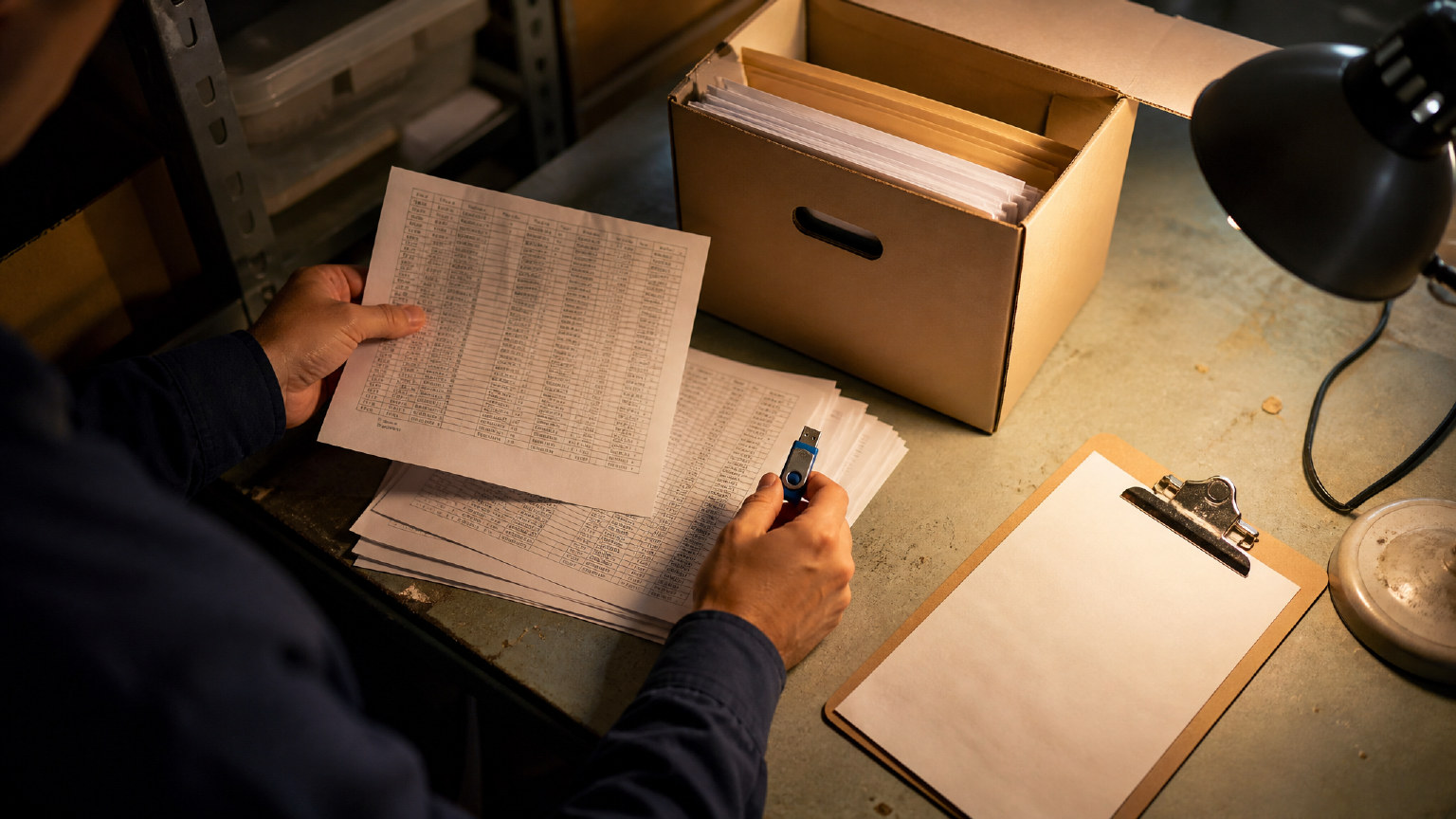
A data volume gives an OpenClaw agent a place to keep files beyond the life of a single process. That is useful when the agent reads a CSV, generates a report, downloads assets, or saves intermediate results that need to be reused later. Without persistent storage, the agent may still run correctly, but its working state disappears when the environment is recreated.
For automation work, that difference is practical. A market research workflow may need source files and outputs to survive a restart. A content pipeline may need draft text, image references, or translated files to remain available for the next step. The volume is not the workflow itself; it is the storage layer that keeps the workflow from starting over every time.
When you need a data volume and when you do not
You need a data volume when the agent must remember files, caches, or generated outputs after the session ends. That includes recurring jobs, long-running research, and any workflow where a later step depends on earlier artifacts. If the agent is handling uploads, exports, or staged processing, persistence is usually worth having.
You may not need one for short-lived tasks that produce a result once and then stop. A quick code check, a one-off summary, or a temporary test run can often work without persistent storage. The decision is simple: if the next run must see the same file, use a volume; if not, keep the setup lighter.
How data volume setup works on TryOpenClaw
On TryOpenClaw, the point is to remove the manual steps that usually slow people down. Instead of cloning a repo, handling Docker, or debugging storage paths on your own, you start from a managed OpenClaw instance that is already prepared for use. That makes the storage layer part of a hosted workflow, not a separate infrastructure project.
In practice, this means you can log in, assign work to the agent, and begin automating with a private environment that is isolated from other users. For teams and builders, that is a cleaner way to handle persistence because the environment is created for you and maintained as part of the service. If your workflow depends on saved files, you can focus on what should persist rather than on how to provision the machine underneath.
What to check before you rely on the volume

Before you trust a volume in production, check three things: what path the agent writes to, whether the files are actually stored in the persistent layer, and whether the workflow can recover after a restart. Those checks sound basic, but they are the difference between a stable setup and a confusing one that only works during the first run.
It also helps to separate working files from disposable files. Keep inputs, outputs, and any state you need later on the volume. Keep temporary logs, scratch data, and throwaway test artifacts outside it if they do not matter. That makes the agent easier to reason about and reduces the chance that an old file causes a new run to behave strangely.
Common mistakes that break file persistence
The most common mistake is writing to the wrong directory. The agent may appear to work, but the files end up in a location that is not backed by persistent storage. Another frequent issue is assuming that every restart preserves state automatically. In many environments, only the mounted volume survives, so anything stored elsewhere disappears.
Version changes can also cause trouble if the agent starts expecting a different path or file format after an update. That is why a managed environment is useful: it reduces the number of moving parts, and it is easier to trace where the files live. The safest habit is to verify persistence after the first successful run, not after a problem appears.
FAQ: OpenClaw data volume setup on TryOpenClaws
Do I need to configure storage myself on TryOpenClaw?
Usually no. TryOpenClaw is designed to give you a ready OpenClaw environment so you can start using the agent without building the infrastructure yourself.
What kind of work benefits most from a data volume?
Any workflow that must keep files between runs benefits from persistence, especially CSV processing, research, content generation, and staged automation.
Will a volume fix every agent issue?
No. It solves persistence problems, but it will not fix logic errors, bad prompts, or workflows that write to the wrong path.
Is a data volume useful for temporary tasks?
Not always. If the job is one-off and does not need saved files later, you can often keep the setup simpler.
Why is a managed environment better for persistence?
Because it reduces setup mistakes and keeps the storage layer tied to the hosted instance, which makes the workflow easier to maintain.
Conclusion
OpenClaw data volume setup is really about making file state dependable. If your agent needs to keep inputs, outputs, or working files across runs, persistence matters more than raw execution speed. TryOpenClaw makes that easier by giving you a managed OpenClaw environment, so you can spend less time on setup and more time on the automation itself.
Related Posts

Cách dùng trợ lý AI đọc tài liệu API nhanh chóng cho lập trình viên

AI Agent có thể viết code cho dự án cá nhân không?