OpenClaw Community: Where to Get Help, Share Ideas, and Connect

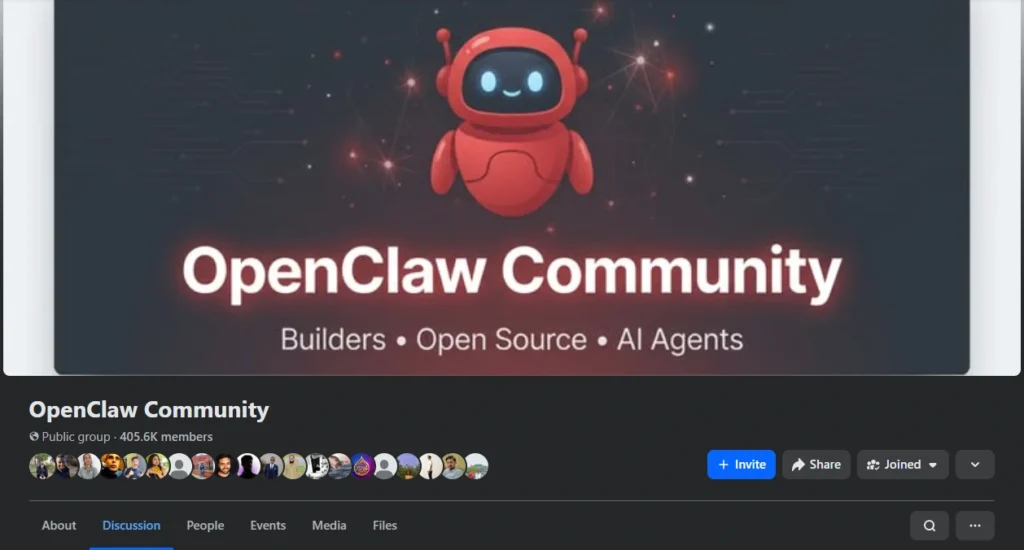
One of the biggest advantages of open-source software is the community that grows around it. OpenClaw is no exception — there’s an active global network of users, contributors, and builders who use OpenClaw every day, share what they’ve learned, and help each other get the most out of it.
This guide covers where the community lives, how to get help when you’re stuck, how to contribute (even if you’re not a developer), and what the community has built together.
New to OpenClaw? Start with What is OpenClaw? The Complete Guide before diving into community resources.
Why community matters for OpenClaw
OpenClaw is free and open source — which means it doesn’t have a paid support team or a corporate help desk. Instead, the people who use it, build it, and improve it are the community.
This is actually a good thing. Here’s why:
Real users answer real questions. When you ask for help in the OpenClaw community, you’re getting answers from people who actually use it — not from a support agent reading from a script.
Problems get fixed faster. Because anyone can see the code and submit fixes, bugs are often resolved within days, not months. The community acts as both the quality assurance team and the development team.
Features come from users. The most-requested features in OpenClaw come from community feedback — not from a product roadmap decided in a boardroom. If enough users want something, it gets built.
Knowledge compounds. Every guide written, every question answered, every tutorial recorded adds to the collective knowledge base. The community gets smarter over time.
Where to find the OpenClaw community
GitHub — the technical hub
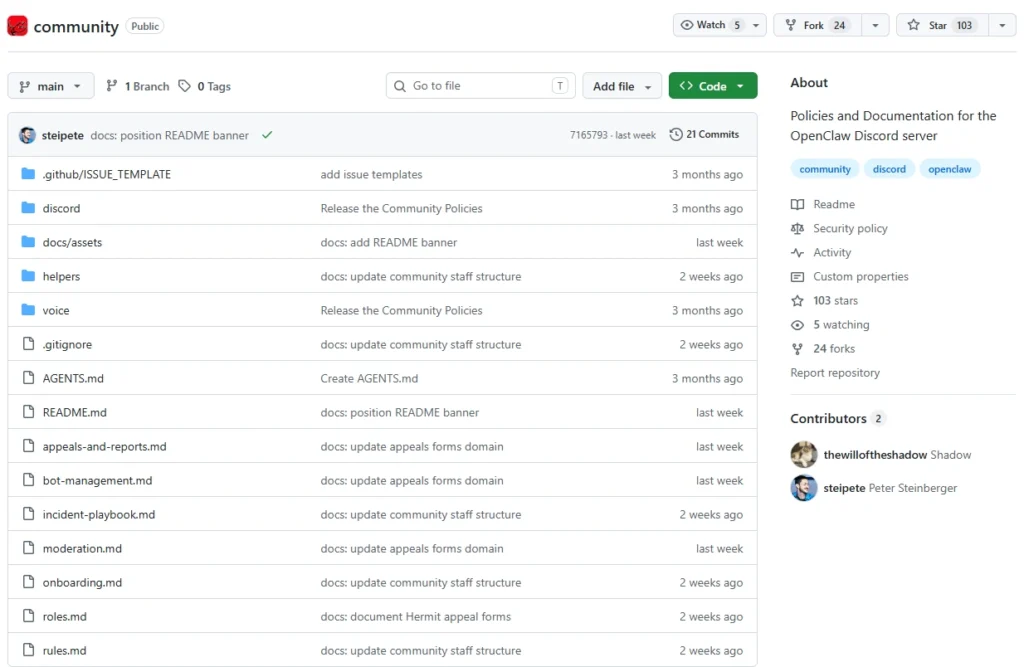
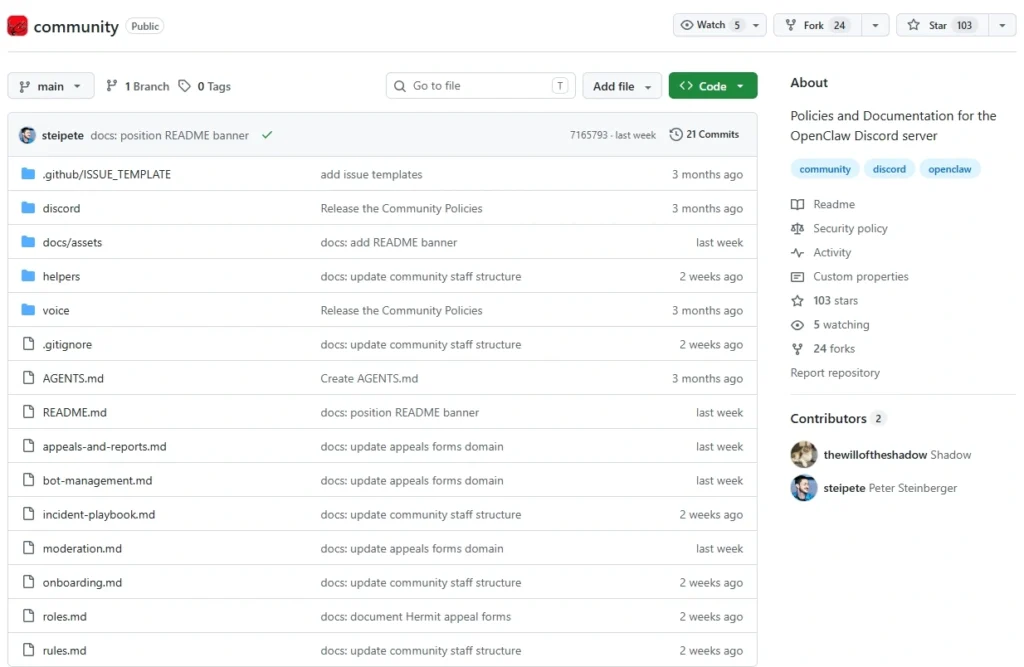
github.com/openclaw/openclaw is where everything starts. GitHub is the platform where OpenClaw’s code lives, issues are tracked, and contributions are submitted.
What you’ll find on GitHub:
- The source code — browse, inspect, and understand how OpenClaw works
- Issues — bug reports, feature requests, and ongoing discussions about improvements
- Pull requests — contributions from developers around the world being reviewed and merged
- Release notes — every version update with a list of what changed and what was fixed
- Wiki — technical documentation and setup guides for developers
Who uses GitHub: Mostly developers and technically inclined users. If you want to report a bug, request a feature, or contribute code — GitHub is where to go.
Even if you’re not technical, starring the repository on GitHub (click the ⭐ button) is a great way to support the project and stay updated on new releases.
Discord — the daily conversation
The OpenClaw Discord server is where most of the real-time community activity happens. It’s more casual and approachable than GitHub — think of it as the community’s living room.
What you’ll find on Discord:
- #general — everyday chat about OpenClaw, what people are working on, random AI discussions
- #help — ask questions and get answers from other users
- #showcase — share what you’ve built with OpenClaw (automations, Skills, workflows)
- #announcements — official news about new releases and major updates
- #skills-development — discussions specifically about creating and sharing custom Skills
- #feedback — suggestions and ideas for improving OpenClaw
Who uses Discord: A mix of everyone — beginners asking first-time questions, power users sharing advanced setups, and core developers announcing updates and gathering feedback.
Getting started on Discord: Join via the invite link pinned in the OpenClaw GitHub repository. Introduce yourself in #general and don’t be afraid to ask basic questions — the community is welcoming to newcomers.
Telegram — AI integration in action
There’s an irony that OpenClaw (an AI assistant for messaging apps) has an active Telegram community. But it makes perfect sense: OpenClaw users already live on Telegram, so that’s where they gather.
The OpenClaw Telegram group serves double duty — it’s both a community space and a live demonstration of what OpenClaw can do. Some groups have OpenClaw bots running right inside them, so you can see the tool in action while discussing it.
What happens in the Telegram community:
- Sharing tips, workflows, and automation setups
- Asking for help with configuration and troubleshooting
- Discussing new features and giving feedback
- Language-specific groups for regional communities (including Vietnamese users)
- Quick questions that need fast answers
Why Telegram works well: Because OpenClaw runs on Telegram, users are already comfortable there. The conversation happens in the same app they use with OpenClaw every day.
ClawHub — the Skills ecosystem
ClawHub.ai isn’t just a marketplace — it’s also a community space for people who build and use OpenClaw Skills.
What ClawHub offers:
- Browse Skills — find add-ons built by community members for specific tasks
- Publish your own Skills — share what you’ve built with the wider community
- Rate and review — provide feedback on Skills you’ve used
- Request Skills — describe what you need and community developers might build it
- Documentation — guides for creating your own custom Skills
If you create a Skill that helps you do something specific — whether it’s managing your Telegram group, analyzing your sales data, or writing social media content — ClawHub is where you share it.
Learn more about the Skills system: OpenClaw Skills Complete Guide
How to get help
Whether you’re stuck on installation, confused about configuration, or running into an unexpected error — the community can help. Here’s how to get the best answers quickly.
Before you ask — try these first
Check the documentation. Many common questions are already answered in the official guides. Start with:
- How to Install OpenClaw — covers all 4 installation methods step by step
- API Key Configuration Guide — how to set up your AI model connection
- OpenClaw Features Guide — what OpenClaw can do and how each feature works
Search GitHub Issues. If you’re hitting an error, there’s a good chance someone else has already reported it and it’s been discussed or fixed. Search the issues before opening a new one.
Try the FAQ. The most common questions and answers are collected in the FAQ sections of the main documentation pages.
How to ask a good question
When you do need to ask for help, the quality of your question determines the quality of help you get. A good question includes:
What you’re trying to do — describe your goal in plain language. “I want to use OpenClaw on Telegram to summarize emails” is much clearer than “it doesn’t work.”
What you tried — what steps did you take? Did you follow a specific guide? What happened when you ran the setup?
What error you’re seeing — copy and paste the exact error message (or screenshot it). Vague descriptions like “it shows an error” don’t give helpers enough to work with.
Your environment — which operating system? Cloud or self-hosted? Which AI model are you using? Which version of OpenClaw?
A question with these details gets a useful answer in minutes. A vague question might go unanswered or require several back-and-forth exchanges to clarify.
Where to ask different types of questions
| Type of question | Best place to ask |
|---|---|
| Quick question, need fast answer | Discord #help or Telegram group |
| Bug report or unexpected behavior | GitHub Issues |
| Feature request or idea | GitHub Issues (with “feature request” label) or Discord #feedback |
| Sharing what you’ve built | Discord #showcase or ClawHub |
| Skills development question | Discord #skills-development |
| General chat and tips | Discord #general or Telegram |
How to contribute (even if you’re not a developer)
OpenClaw is open source — which means anyone can contribute, not just programmers. Here’s what non-technical contributors do that makes a real difference:
Report bugs
Found something that doesn’t work as expected? Report it on GitHub. You don’t need to know how to fix it — just describe clearly what happened, what you expected to happen, and your setup. Good bug reports are genuinely valuable and help developers prioritize what to fix.
Improve documentation
Documentation is often the weakest part of open-source projects. If you followed a guide that was confusing or incomplete, you can help improve it. Even small clarifications — adding a missing step, fixing a typo, adding an example — make the experience better for every future user.
Answer questions
Once you’ve learned how OpenClaw works, you’ll know things that newer users don’t. Spending 10 minutes answering questions in Discord or Telegram is one of the best contributions you can make. It frees up developers to focus on code, and it grows the community’s collective knowledge.
Share what you’ve built
Automations, Skills, use cases, workflow setups — sharing these on ClawHub or Discord #showcase helps other users discover what’s possible. Your specific use case might be exactly what someone else is trying to figure out.
Translate documentation
OpenClaw has users around the world, and many people learn better in their native language. If you’re fluent in a language that doesn’t have complete OpenClaw documentation yet, translation contributions are very welcome.
Star the repository
It sounds simple, but starring the GitHub repository helps OpenClaw gain visibility — which attracts more developers, more contributors, and more users. It’s the easiest contribution you can make.
What the community has built
The best measure of a community’s health is what it produces. Here’s a snapshot of what OpenClaw users and contributors have built:
Skills on ClawHub: Community members have published Skills covering everything from SEO writing to Telegram moderation to data analysis. Many of these started as personal automations someone built for their own work and decided to share.
Regional guides: Localized installation guides, tutorials, and documentation in multiple languages — written by community members who wanted to make OpenClaw more accessible in their own countries.
Integration tutorials: Step-by-step guides for connecting OpenClaw to specific tools — CRMs, email providers, project management apps, e-commerce platforms.
Workflow templates: Shareable configurations for common workflows — morning digest setups, customer support automations, content writing pipelines — that new users can adopt without starting from scratch.
Video walkthroughs: Community-made videos demonstrating specific features, installation processes, and use cases — often more approachable than written documentation for visual learners.
Community norms and etiquette
The OpenClaw community is welcoming, but like any community, it works better when people follow some basic norms:
Be specific. Vague questions get vague answers (or no answers). Put in the effort to describe your problem clearly.
Search first. Before asking, check if your question has already been answered. Repeat questions slow down the community.
Be patient. Everyone is a volunteer. Helpful responses might take hours, not minutes. Don’t post the same question in multiple places at once.
Contribute back. If someone helps you solve a problem, pay it forward. Answer someone else’s question when you know the answer.
Stay on topic. Community channels are for OpenClaw discussions. Unrelated promotions or off-topic content get removed.
Report problems, don’t rant. If something is broken, write a clear bug report. Frustration posts without specific details don’t help anyone fix anything.
The OpenClaw community in numbers
OpenClaw has grown significantly since its initial release:
- GitHub stars: Thousands of stars from developers and enthusiasts worldwide, with new stars being added every day
- Contributors: Hundreds of developers from many countries have submitted code contributions
- Supported languages: Community-contributed documentation in 10+ languages
- Published Skills: Growing library on ClawHub covering dozens of use cases
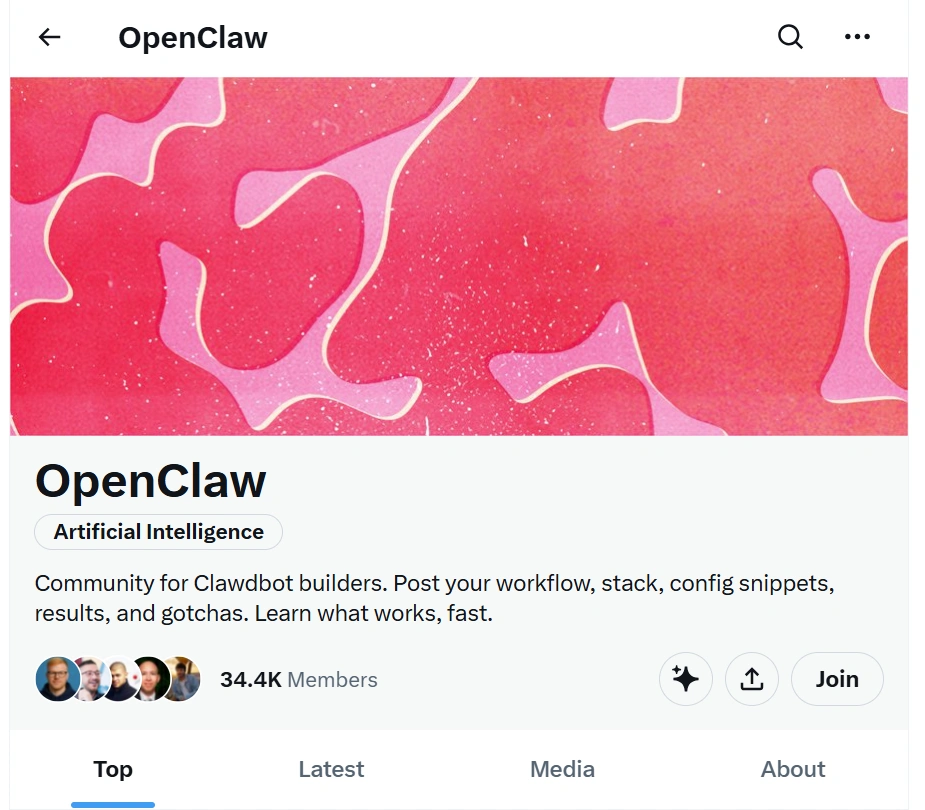
- Active servers: Community groups on Telegram and Discord across multiple languages and regions
The community skews toward technically curious people who want more control over their tools — but there are plenty of non-technical users who joined for the practical benefits and stayed for the community.
The Vietnamese OpenClaw community
OpenClaw has a particularly active Vietnamese-speaking user base. Vietnamese users have been early adopters, partly because Telegram is widely used in Vietnam and partly because the value proposition — AI that works inside your existing apps — resonates strongly.
Where Vietnamese OpenClaw users connect:
- A dedicated Vietnamese language Telegram group with active daily discussion
- Vietnamese-language guides and tutorials shared within the group
- Local use case sharing — Vietnamese-specific workflows for common tasks like managing Facebook groups, drafting Vietnamese content, and analyzing Vietnamese-language data
Available resources in Vietnamese:
All the key guides on TryOpenClaw.io are available in Vietnamese at tryopenclaw.io/vi/blog/. This includes installation guides, feature explanations, and use case tutorials — written to be accessible for non-technical readers.
If you’re a Vietnamese user looking to connect with others in the same language, the Telegram group is the most active place to start.
Frequently Asked Questions
Where is the best place to ask for help with OpenClaw?
For quick questions, Discord #help or the Telegram group. For bug reports or feature requests, GitHub Issues. Search the documentation first — most common questions are already answered.
Do I need to know how to code to contribute?
No. Bug reports, documentation improvements, answering questions, translating guides, and sharing what you’ve built are all valuable contributions that don’t require any coding knowledge.
How do I join the Discord?
Look for the Discord invite link in the OpenClaw GitHub repository — it’s pinned in the readme or community section.
Is there an official Vietnamese support group?
Yes — there’s a Vietnamese-language Telegram group for OpenClaw users. You can find the link through the main OpenClaw community channels or by asking in Discord.
Can I share Skills I’ve built for free?
Yes. ClawHub allows you to publish Skills for free. You can also keep your custom Skills private if you prefer not to share them publicly.
How quickly do bugs get fixed?
It varies. Minor bugs and regressions are often fixed within days. Larger issues may take longer depending on complexity and community bandwidth. Starring the repository and commenting on issues helps signal priority.
Next steps
Ready to connect?
- Join the discussion: Find the OpenClaw Discord or Telegram group via github.com/openclaw/openclaw
- Browse Skills: Explore what the community has built at ClawHub.ai
- Start using OpenClaw: Sign up at TryOpenClaw.io — cloud-hosted, ready in minutes
- Read the guides: Installation guide · Features guide · OpenClaw review
Related Posts
OpenClaw Skills Security: How to Evaluate, Install Safely, and Harden Your Setup
Best OpenClaw Skills: 25 Must-Have Skills by Category (2026)