When a tool integration fails, an AI Agent workflow can produce an incomplete result without making the gap obvious. To handle AI agent workflow dependencies, map the tools and handoffs, test what happens when a dependency breaks, and verify outputs before trusting the workflow. This helps you catch problems before incomplete data moves into the next step.
Map every tool that can affect the final result
Map AI agent workflow dependencies by tracing every step to the tools it uses, the information it receives, the result it produces, and the next step that relies on that result. This makes it easier to see where a broken integration or an unexpected response could affect the final outcome.
For each step, record four things: its purpose, its input, the connected tool, and its output. For example, a workflow might read a new request from Gmail, extract the customer and order details, look up a record in Google Sheets, then draft a reply. The email is an input, the extracted details are an intermediate output, and the lookup result becomes an input to the reply step.
Then follow each output forward. Note which later steps use it, what fields they expect, and whether they depend on a record being found or an action being completed. If the reply step needs an order number but the lookup can return a blank value, that dependency should be visible in the map rather than hidden inside the workflow.
Include indirect dependencies too: credentials, required fields, file formats, and rules that determine which branch runs. A tool can respond successfully while returning data that a downstream step cannot use. If a workflow reads stored context, document what information it depends on; how OpenClaw stores data may help clarify that part of the setup.
A simple table or checklist is enough. Give each step a name, list its tool and input, specify the expected output, and identify every downstream step that consumes it. This dependency map gives you a concrete basis for checking whether a change in one integration can affect the final result.
Define what the workflow should do when a dependency fails
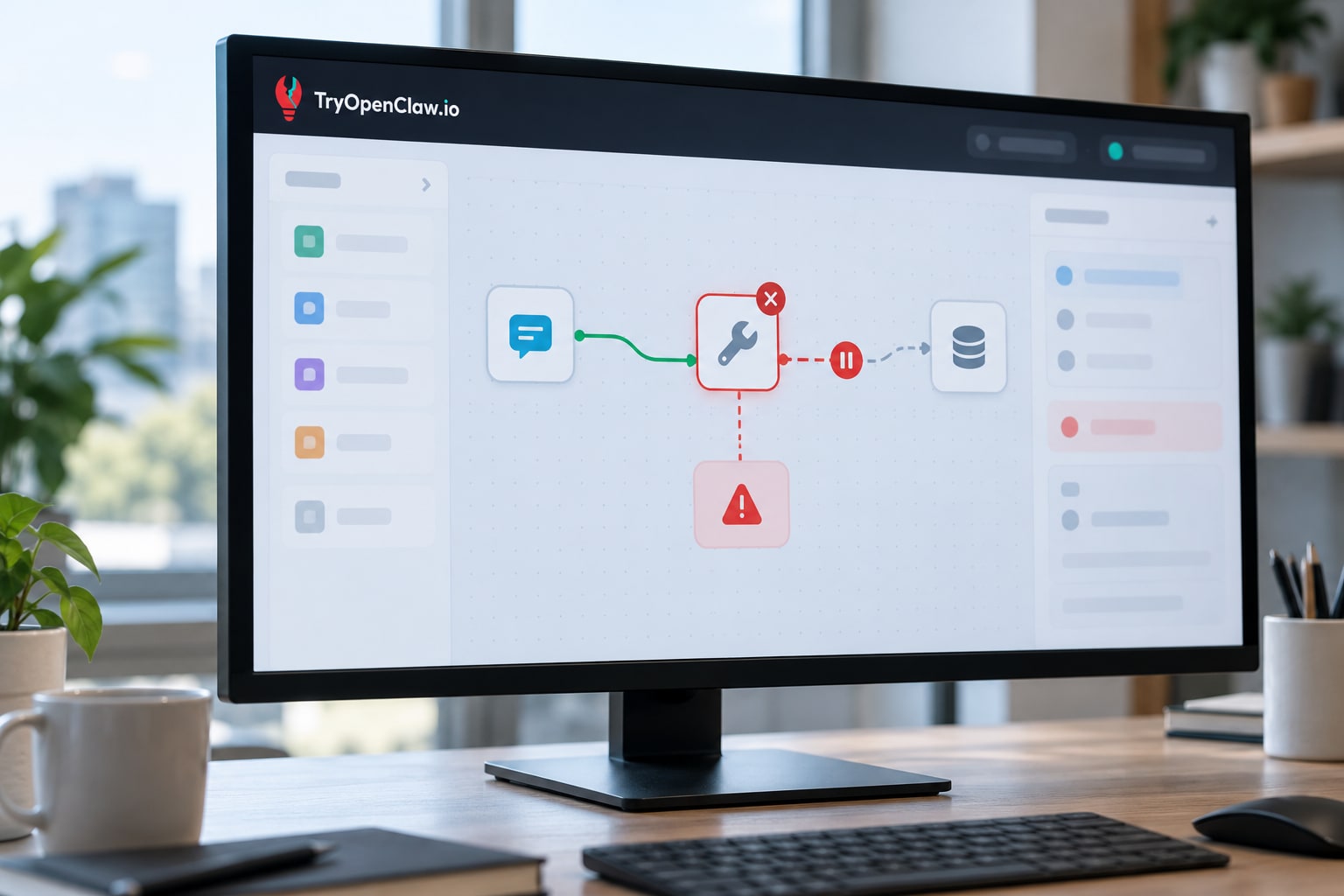
When a workflow dependency fails, define whether the agent should retry, pause for review, or stop the run before it can produce an incomplete result. Set a specific response for unavailable tools, unexpected input changes, and failed handoffs; continuing automatically is safe only when the next step does not depend on missing or unverified information.
For a temporary tool error, allow a limited retry if repeating the request will not create duplicate actions, such as sending the same message twice. If the tool remains unavailable, record which step failed and leave dependent steps pending. For actions that could affect customers, records, or business decisions, route the run for human review instead of silently skipping the step.
Changed inputs need a different rule. If a spreadsheet column is renamed, a required field is blank, or a tool returns an unexpected format, do not pass the response downstream as if it were valid. Pause the workflow and identify the missing or changed value so someone can correct the input or update the integration.
A failed handoff—such as a completed step whose result never reaches the next tool—should leave the workflow in a visible, recoverable state. Define what counts as a completed handoff, who should be notified, and whether a person must approve a restart. Where the next step needs a value the failed dependency was meant to supply, stop there; use a fallback only if it is approved and produces an equivalent, verifiable input.
Test failure paths before relying on the workflow
Test failure paths by making an integration unavailable or changing its response in a safe test workflow, then checking whether the agent flags the problem and stops before producing an incomplete result. Run one scenario at a time so you can identify which step failed and whether the workflow handled it as intended.
Start with a representative task, such as reading a row from a spreadsheet and sending a follow-up email. In a test environment, disconnect the spreadsheet integration or use a test account with access temporarily removed. Confirm that the workflow reports the failed step, does not send an email based on missing information, and leaves enough detail for someone to investigate.
Next, keep the integration available but alter its response. Remove a field the next step expects, return an empty result, or change a value to an unexpected format. Check whether the workflow detects the mismatch rather than treating the response as complete. For example, if an email requires a recipient address, verify that a missing address triggers an alert or pause instead of a send attempt.
For each test, compare the actual behavior with the expected behavior: which step should stop, whether any later actions should be blocked, and what signal should appear in the run history or notification. Include a retry test only if retries are part of the intended behavior, and confirm that repeating an action will not create duplicate records or messages. Record the result and rerun the test after changing the workflow or integration.
Check outputs for gaps after a dependency changes

After a tool or integration changes, verify that the workflow still returns every expected field, includes the right records, and signals completion only when the work is actually done. A successful run or a completed task message does not, by itself, prove that the result is complete.
Start with the result the next step or a person relies on. List its required fields, such as a customer identifier, amount, status, or timestamp, and check that each is present, correctly formatted, and populated with the expected type of value. If a field is optional, define when it may be empty; otherwise, treat a missing or blank value as a failed check.
Compare the records produced before and after the change using a known test case. Check that the same input still produces the expected number of records, that identifiers match across connected tools, and that updates have not become duplicates or been omitted. For example, if a workflow transfers form submissions into a spreadsheet, confirm that each test submission appears once and in the intended columns.
Then inspect the completion signal. Confirm that it is sent only after required records and fields pass validation, not merely when an integration returns a response. If a tool changes its field names or response format, update the checks and test both a valid response and one with missing data. Keep a small set of representative test cases so you can repeat these checks after later changes, and record what a complete result should look like.
Keep connected workflows observable with OpenClaw on cloud
OpenClaw on cloud provides a practical place to run AI Agent workflows that connect with Zalo, Gmail, Google Sheets, and 1,000+ apps. Each agent runs in a separate environment, so you can organize connected work around an agent without sharing its environment with other agents.
For a business workflow, map the connected apps to the tasks they support: for example, an agent might receive information through Gmail, update a Google Sheet, and use Zalo as part of a later handoff. The integrations are the tools; your workflow still needs to define what counts as a complete result and how to recognize a missing or unexpected output.
TryOpenClaw lets you use OpenClaw on cloud without setting up the environment yourself. You can review its cloud security as you assess whether the service fits the way your business handles connected workflows. Keep checking the behavior of each integration and the results it returns; a connected app alone does not confirm that a workflow completed correctly.
Trust the workflow only after it proves its results
Trust an AI Agent workflow only after it produces complete, verified results under both normal conditions and failure conditions. Before relying on it for business tasks, confirm that its dependencies are mapped, its response to failures is defined, and its outputs can be checked against what the next step actually needs.
Use a short readiness check before putting a workflow into regular use:
- Dependencies: Each step has an identified tool, required input, expected output, and downstream handoff.
- Failure behavior: The workflow has a clear response when a tool is unavailable, an input changes, or a handoff fails. It pauses rather than proceeding when missing information could make the result unreliable.
- Output checks: Required fields, records, and completion signals are verified after normal runs and after dependency changes.
These checks should be repeatable, not a one-time approval. Re-run the relevant tests whenever a connected tool or the workflow’s inputs change, and review the resulting records before treating the process as dependable. If the workflow cannot show that it completed its intended steps, treat its result as unverified and resolve the gap before acting on it.
The practical standard is simple: trust a workflow only when its dependencies, failure behavior, and results have all been tested. To put that approach into practice, try OpenClaw on cloud with a workflow you can check step by step, so you can verify its results before relying on it for routine business work.
Related Posts

Cách kiểm tra code do OpenClaw đề xuất

Doanh nghiệp nên chọn gói OpenClaw cloud nào?