No, TryOpenClaw does not train on your data. If you are using OpenClaw today and want a direct answer before you go any further, that is the practical starting point. The hosted setup is built so you can run agents in a private environment without having to turn your own data into training fuel for someone else’s system.
That still leaves the real questions people care about: what data is stored, what the agent can access while it works, and where the privacy boundaries actually are. Those details matter more than a simple yes or no, especially if you plan to use OpenClaw for internal workflows, files, research, or customer-facing automation.
In the next sections, we will break that down in plain terms. You will see how hosted OpenClaw changes the privacy conversation, what TryOpenClaw is designed to keep separate, and when you should still treat data handling as a concern even if training is not the issue.
What ‘train on data’ means for OpenClaw users

For OpenClaw users, “train on data” usually means whether the service can use your prompts, files, outputs, or agent activity to improve a model beyond your session. That is a different question from whether the system stores data to run your workflow, keep an instance working, or let an agent read the files you deliberately connect.
In practice, people often mix together three separate ideas: data needed for execution, data retained for operations, and data used for model training. A hosted SaaS can keep your agent state or job history without using that content to train a shared model. It can also process your inputs inside a private environment while still not turning them into training material for other users.
For OpenClaw users, the useful question is not just “is anything saved?” but “what is saved, where is it kept, and is it reused outside my instance?” That is the privacy boundary that matters when you are sending CSV files, internal docs, workflow inputs, or community messages into an agent.
So when you ask whether OpenClaw trains on your data, you are really asking how the hosted setup handles three things: what the agent can access, what the platform stores for operation, and whether any of it is repurposed for training. Those are separate controls, and they should be evaluated separately.
How TryOpenClaw isolates each agent in a private cloud
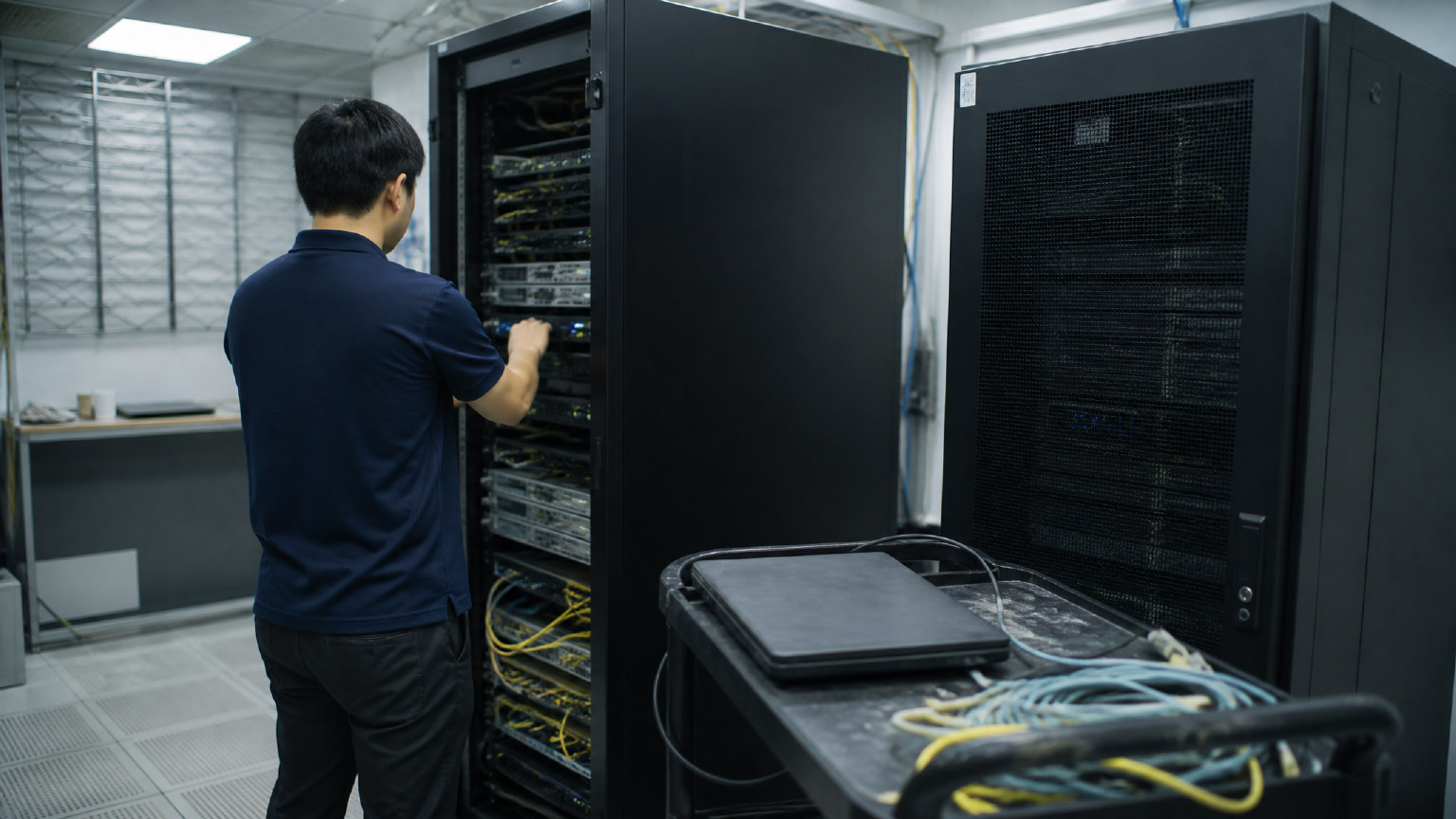
TryOpenClaw isolates each agent by giving it a separate OpenClaw instance in a private cloud, instead of placing it in a shared runtime with other users. That matters because the agent’s files, workflow state, and operational data stay scoped to that environment, rather than sitting in one common setup that everyone shares.
In practice, this removes the usual self-hosting friction. You do not need to clone a repo, wire up Docker, resolve port conflicts, or debug version drift just to get one agent running. The environment is created for you, so the main job is to sign in, assign work, and use the agent inside its own workspace.
For privacy questions, the key point is scope. An isolated instance limits cross-agent exposure, which is useful when you are handling CSV or Excel files, internal workflows, community operations, or content pipelines that should not mix with other projects. It also makes operational behavior easier to reason about, because updates or failures in one instance are not supposed to spill into another.
This setup is still only part of the answer. Isolation helps reduce sharing and accidental overlap, but you should still check what the agent is allowed to access, what you connect to it, and how you configure retention or integrations. If the data source is broad, the agent can still work with sensitive material inside its own environment even when the cloud itself is separated.
That is why TryOpenClaw’s private-cloud model is best understood as a control layer, not a magic privacy switch. It gives each agent a dedicated place to run, keeps environments separate, and avoids the instability that comes from shared infrastructure. The remaining privacy boundary depends on the data and permissions you choose for that agent.
What data your OpenClaw agent can access in practice
In practice, your agent can only access the data, tools, and services you connect to it. That usually means the files you upload, the prompts you send, the integrations you authorize, and any workspace content the agent is allowed to read or modify. If you do not connect a source, the agent has nothing to pull from on its own.
For most users, the real question is not whether OpenClaw can access data in the abstract, but which data sits inside the agent’s working context at runtime. If you give it a CSV, a spreadsheet, a repo, or a Telegram workflow, it can process that material because you placed it there. If you connect an API or a cloud drive, the access scope depends on the permissions you granted and the task you asked it to perform.
This is where hosted OpenClaw matters. A managed environment like TryOpenClaw reduces the operational noise around setup, but it does not change the basic rule: the agent works with the inputs and permissions you provide. That is why it is useful to separate three layers in your head — source data, agent context, and external integrations — instead of assuming everything in your account is automatically visible to the agent.
In a typical workflow, the agent may see a narrow slice of data for a specific job, such as one spreadsheet, one folder, or one channel. That is usually enough for tasks like reporting, content generation, market research, or community operations. It also means good access control is still your responsibility: keep the scope tight, review what you connect, and avoid granting more than the task needs.
What TryOpenClaw includes for privacy and control
TryOpenClaw does not train on your data. For users who want hosted OpenClaw without giving up control, the main point is simple: the service is built to run your agent in a private cloud instance, not to turn your workflow data into model training material. That makes the privacy question easier to answer at the SaaS layer, because the environment is separated before you start using it.
In practice, this means the service is designed around operational control rather than broad data sharing. Your agent works inside its own environment, so the data it uses for a task stays tied to that instance instead of being mixed with other users’ workloads. For teams and builders, that separation matters because it reduces the chance that one workflow creates side effects for another.
TryOpenClaw also keeps the setup path narrow. You log in, get an instance, and begin using OpenClaw without cloning a repo, managing Docker, or wiring up your own infrastructure first. That matters for privacy too, because fewer manual steps usually means fewer places where access is opened too widely or configuration drifts away from what you intended.
What you still control is the scope of the data you connect. If an agent only needs one spreadsheet, one folder, or one channel, keep it that way. Privacy is strongest when the hosted environment is isolated and your own permissions stay minimal, especially for tasks like reporting, research, community management, or content workflows.
When OpenClaw data use becomes a concern
OpenClaw data use becomes a concern when the workflow needs wider access than the task really requires, or when sensitive material starts moving through tools, channels, or files that are not meant for it. That is usually the point where privacy stops being an abstract policy question and becomes an operational one.
In practice, the risk rises when an agent is given broad permissions, connected to multiple sources at once, or asked to handle information that should stay separate from normal day-to-day automation. The issue is less about one single file and more about how much context the agent can reach, retain, and act on during the workflow.
If you are using hosted OpenClaw for work that touches customer records, internal reports, private community spaces, or unreleased content, it is worth pausing before expanding access. The same applies when a task starts mixing public and private data, because that is where accidental exposure is most likely to happen.
For teams that want a clearer boundary, a hosted setup like TryOpenClaw helps reduce the operational burden, but the remaining question is still the same: what exactly does the agent need to see to do the job well, and what can stay out of scope?
Can you use TryOpenClaw without sharing training data?
Yes. TryOpenClaw is designed so you can use OpenClaw without handing over your own data for model training. In practice, that means you can run agents in a private, managed environment and keep the scope focused on the task, not on exposing broader files or systems. The key is still to decide what the agent actually needs to access, because privacy depends on both the platform boundary and your own workflow choices.
For most teams, the useful distinction is between using data to complete a job and sharing data for training. A hosted setup like TryOpenClaw supports the first without requiring the second. Your agent can work with the inputs you provide, but that does not mean your material becomes a general training set for other users or other instances.
If you want to keep the boundary tight, start with the smallest workable input set. Give the agent only the files, folders, or records needed for one workflow, and avoid connecting sources that are not relevant. That approach matters even in a private cloud, because the main privacy risk is often overexposure inside the workflow itself, not just the hosting layer.
There are also cases where this is not enough. If your process requires highly sensitive customer records, regulated documents, or material that must never leave a tightly controlled environment, you may need additional internal controls beyond a hosted instance. In those situations, the right question is not only whether the platform trains on data, but whether the workflow, permissions, and retention rules match your own policy.
So the practical answer is simple: you can use TryOpenClaw without sharing your data for training, but you should still treat access carefully. Keep the agent’s scope narrow, review what it can read, and choose a setup that matches the sensitivity of the work. That gives you the privacy boundary you need without giving up the automation you came for.
FAQ
¿Qué tipos de datos almacena OpenClaw durante la ejecución del agente?
OpenClaw puede almacenar datos necesarios para la operación, como el estado del flujo de trabajo, el contenido que introduces y las fuentes que conectas. Esto es distinto de usar esos datos para entrenar el modelo.
¿Cómo puedo mantener mis datos más privados al usar OpenClaw?
La forma más efectiva es limitar los permisos y conectar solo las fuentes de datos necesarias para la tarea. Cuanto más reducido sea el alcance, menos accederá el agente a datos irrelevantes.
Si OpenClaw no entrena con mis datos, ¿puedo ignorar la seguridad?
No, porque no entrenar no significa que no existan riesgos de datos. Aun así, debes controlar el acceso, las fuentes conectadas y el nivel de datos que el agente puede procesar.
¿Cuándo no es suficiente el modelo de nube privada alojada de OpenClaw?
Cuando concedes permisos demasiado amplios o introduces datos sensibles en muchas fuentes a la vez, la nube privada puede no ser suficiente. El aislamiento ayuda a reducir el riesgo de compartición cruzada, pero no sustituye una configuración y una gestión de permisos cuidadosas.
Related Posts
OpenClaw browser relay
Install OpenClaw