When AI agent code is not working, treat the failure as a diagnosis, not a reason to request a full rewrite. Identify what failed, refine the instruction around one specific result, keep the change narrow, then verify the revised code before using it.
This process helps you determine whether the instruction or the code caused the problem and choose a safer next step.
Start by identifying what failed
When an AI agent code not working problem appears, first identify what failed: a test, a runtime or build step, or the way the change fits your project. These point to different causes, so do not ask the agent to rewrite the whole feature before you know which one you are dealing with. A focused diagnosis gives you a clearer basis for the next request.
A failing test means the code ran far enough for an assertion to check its behavior, but the result did not match what the test expects. An error, such as a compile failure, missing import, or exception, means the code could not complete a required step. Record the failing test or the exact error rather than treating either as a general sign that “the code is broken.”
Code can also run and pass its immediate test while still clashing with the project. For example, it may use an existing function incorrectly, duplicate a pattern the codebase already relies on, or change behavior outside the requested feature. That is a project-fit problem, not necessarily a test failure.
These categories can overlap, but separating them helps you avoid an unrestricted rewrite that changes working parts and obscures the cause. Start with the observed failure and the scope of the change: what did not work, and where? The next step is diagnosis based on that evidence, before you revise the request or approve another code change.
Inspect the failure before changing the request
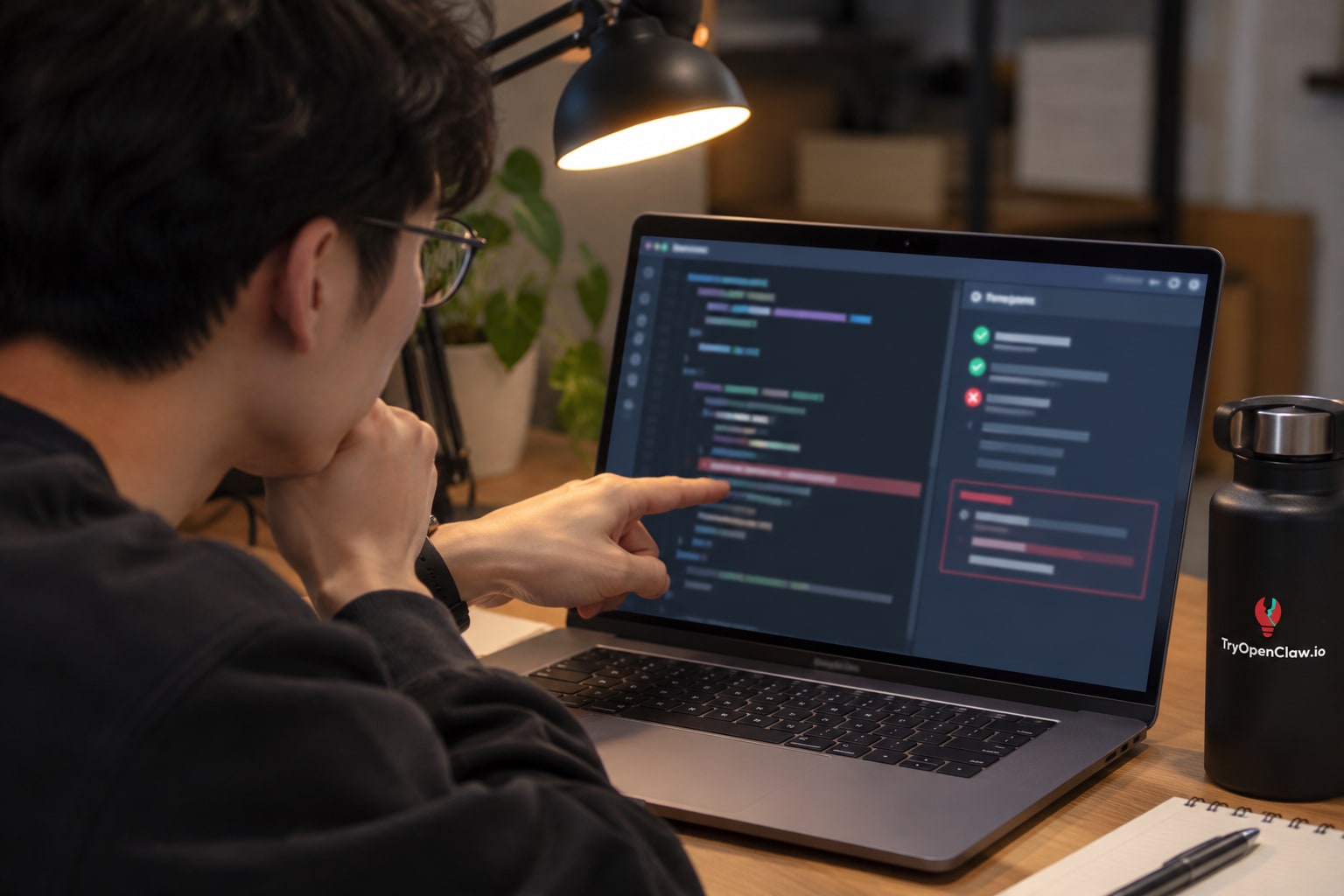
Inspect the test output, error message, and affected code to pinpoint the mismatch before changing your request. A failing assertion, a runtime exception, and a conflict with an existing function can look like the same problem—generated code that does not work—but each points to a different cause.
Start with the first relevant failure in the test output. Note which test failed, what it expected, and what it received. If the output reports an exception, identify the operation and location named in the message, then check the surrounding code to see whether the agent used a value, method, or assumption that does not match the actual implementation.
Compare that evidence with the specific code the agent changed. For example, a test may expect an empty list when a lookup finds no results, while the new code returns null. That is a behavioral mismatch; asking for a broad rewrite would obscure the small difference the test identified. If an error points to a missing method, check whether the code calls the wrong method or whether the failure comes from a different layer.
Separate symptoms from causes: a later test can fail because an earlier operation produced the wrong value, and an error line may mark where the problem surfaced rather than where it began. Trace the failure to the narrowest relevant behavior, and record the observed result alongside the intended one. This gives you a concrete basis for deciding what to ask the AI agent to correct.
Refine the instruction around one failing result
Refine the instruction by describing one observed failure, the behavior you expected, and the smallest correction that could address the difference. This gives the AI Agent a specific target instead of inviting it to rewrite code that may already be working.
Include the failing test or error in concrete terms, then name the relevant behavior. For example: “The test rejects an empty email fails because the function returns true for an empty string. It should return false. Change only the validation condition in isValidEmail; leave other validation rules and files unchanged.” This separates what happened from what should happen and sets a boundary around the requested fix.
If there is no test, state the input and output that show the problem. For example, describe the value passed to a function, the result it currently produces, and the result it should produce. Avoid vague requests such as “fix the validation” or “clean up this module”: they do not identify the failing behavior and can lead to unnecessary edits.
Keep this retry limited to the immediate mismatch. Do not bundle in refactoring, extra features, or unrelated fixes, even if you notice them while reviewing the failure. A request with one clear correction makes it easier to judge whether the revised code addresses the problem you reported.
Keep the next code change narrow
Keep the next code change limited to the behavior that failed. Ask the AI Agent to modify the smallest relevant function or component, preserve unrelated behavior, and avoid refactoring, renaming, or changing dependencies. A focused patch makes it easier to see whether the correction addresses the failure or introduces a new problem.
Before retrying, define the boundaries in your instruction. For example: “The test for an empty input fails because the function returns null instead of an empty array. Update only this function so it returns an empty array for empty input. Do not change the function signature or other files.” This ties the requested edit to an observable result and gives the agent clear limits.
If the fix seems to require touching several files, ask the agent to explain why each change is necessary before applying it. Check whether a smaller change could address the same failure, and be cautious if the proposed solution rewrites working code or alters behavior beyond the case you reported. More edits mean more places to inspect and make it harder to identify which change caused a regression.
Keep the original version available through your normal version-control workflow, and review the diff rather than accepting a large patch as a single unit. If the agent proposes unrelated cleanup alongside the fix, ask it to leave that work out of this attempt. Separating changes keeps the diagnosis clear and lets you judge the targeted correction on its own.
Review and test the revised code before using it

Before using revised code, compare it with the original failure and run the relevant tests. Check that the change addresses the reported error or failing behavior, then confirm it has not introduced a new problem in nearby code. A successful retry is not enough on its own; the proposed change still needs to fit the project and meet the intended behavior.
Start with the same test or command that exposed the issue. If it now passes, run related tests that exercise the affected function or module, since a narrow fix can still affect how nearby code behaves. Review the diff as well: look for edits outside the requested area, changed assumptions, missing error handling, or logic that only makes the test pass without solving the underlying problem. If the original failure remains, compare the new output with the first result and identify what changed before requesting another revision.
Review the Change, Not Just the Test Result
Read the revised code as you would a teammate’s contribution. Check that it follows the project’s existing patterns, handles relevant edge cases, and does not weaken an assertion or skip a test to produce a passing result. When a test passes but the code’s behavior is unclear, add or run a focused test for the expected input and output. Do not use the change until you can explain why it resolves the failure.
An AI agent can support code review and debugging by examining the affected code, finding likely errors, and suggesting a correction. TryOpenClaw’s AI agent hỗ trợ lập trình can read API documentation, write code, find bugs, and suggest project improvements. Treat its suggestions as proposals: inspect the diff and verify them with your project’s tests before applying them.
Use a focused retry to get back on track
A focused retry gets you back on track by turning a failed result into one small, testable correction. Treat the issue as a diagnosis: identify what did not work, refine the instruction around that specific failure, limit the requested change, and verify the result before using it.
This approach also helps you tell whether the instruction or the code likely caused the problem. If the request left the expected behavior or scope unclear, make that precise in the next instruction. If the intent was clear but the implementation failed a test or introduced an error, provide that observed result and ask for a correction limited to the failing behavior. In either case, avoid adding unrelated work to the retry; changing several things at once makes it harder to see what addressed the problem.
Before accepting the revised code, compare it with the original failure and run the relevant tests. Check that the intended behavior is addressed, that the change has not introduced an obvious regression, and that the result still fits the project’s existing patterns. If it remains unclear why a test fails, ask the AI Agent to review the proposed change or help debug the specific error, then verify any further edits yourself.
The safest way forward when AI agent code not working is to diagnose the failure, refine the instruction, narrow the change, and check the next result before using it. If you want to try this process with an AI agent hỗ trợ lập trình, explore the coding agent on TryOpenClaw.
Related Posts

Cách dùng trợ lý AI đọc tài liệu API nhanh chóng cho lập trình viên

Dùng OpenClaw cloud cho workflow thường xuyên thế nào?