OpenClaw on cloud can handle large workloads when the setup matches the work. Whether it fits your business depends on what your AI Agents do, how often they run, and how much activity happens at once; the primary question is whether available resources can support those demands.
This guide helps you assess workload needs and recognize when your current setup may need review.
OpenClaw on cloud can handle large workloads with a suitable setup
Yes, OpenClaw on cloud can handle large workloads when the setup has enough resources for the work your AI Agents perform. The answer depends less on the label “large” than on the workload’s demands: what each agent does, how often it runs, and how many tasks need attention at the same time.
A business workflow that processes a steady stream of straightforward tasks places different demands on a setup than one that runs complex, resource-intensive tasks across several agents. Even workflows with similar task counts can behave differently if one has frequent overlapping activity or longer-running steps. So a setup that fits one company’s workload may not be a good match for another’s.
Available resources matter because an agent needs capacity to carry out its work. If resource limits are reached, tasks may take longer or the workflow may not keep pace with demand. That can affect how well the setup serves an operation that depends on agents completing work consistently. A useful assessment considers both the expected activity and how much delay the business can tolerate.
For example, a team running a few agents on predictable schedules has a different operating pattern from one coordinating many agents with overlapping tasks. The second case may need a setup with more available resources, but the number of agents alone does not determine what is required. Task complexity and concurrency also influence the fit.
In practice, cloud OpenClaw can support substantial business use, but no setup should be assumed to fit every workload. Match the environment to the actual work, then pay attention to whether demand and performance remain aligned as use develops.
Workload size depends on the work your agents perform
Workload size depends on what your AI Agents do, how often they do it, and how many tasks run at the same time. A workflow that handles a short, simple task on a predictable schedule creates different demands from one that processes complex information repeatedly or runs alongside several other workflows.
Task complexity affects the resources an agent needs while it is working. For example, checking a field and routing a record is generally a simpler kind of task than reviewing a long document, combining information from several sources, and then taking action. The number of steps, the amount of information handled, and any dependencies between steps all help describe the workload more accurately than the workflow’s name alone.
Execution frequency matters because the same workflow can create very different patterns of activity. A task that runs occasionally has more time between executions than one triggered whenever new records arrive. Note whether activity is steady, scheduled in batches, or likely to spike at particular times; a burst of work can place more simultaneous demand on the environment than the same tasks spread across the day.
Concurrent activity is another important distinction. If several agents or workflow runs operate at once, they may compete for available resources, even when each task is modest on its own. For instance, a periodic reporting workflow may be light when it runs alone but overlap with incoming-data processing and customer-support tasks during busy periods.
Describe each workflow using these three dimensions rather than assigning it a vague label such as “large.” That gives your team a clearer picture of the work the setup must support, without assuming a capacity estimate before you understand the task patterns.
Assess resource needs before committing a workflow

Assess a workflow’s expected activity, the resources it may use, and the operational impact of a slowdown before committing it to an OpenClaw setup. This gives your team a practical basis for choosing an environment and identifying what to monitor, without relying on a rough workload label such as “large.”
Start by mapping what the agent will do and when. List the tasks in the workflow, how often they run, whether runs can overlap, and what each run must read, generate, or update. A scheduled report that processes a defined set of records has a different pattern from an agent that handles incoming requests throughout the day. Include expected busy periods and any other workflows that may run at the same time.
Check likely resource pressure
Identify which parts of the workflow may consume the most computing resources or storage. Long-running tasks, large inputs, repeated processing, and several simultaneous runs are useful points to investigate. If you can test the workflow, observe resource use during both typical activity and a representative busy period; a quiet test may not reveal pressure that appears when jobs overlap.
Also check whether the workflow creates or retains files, logs, or other data that could affect storage needs. Treat these as questions to verify against the actual workflow, not as assumptions about a fixed resource requirement. If you have no usage history yet, begin with a small, representative test and record how long tasks take and whether they complete reliably.
Measure the cost of a slowdown
Decide what a delay would mean for the people and processes that depend on the agent. A late internal summary may be manageable, while a backlog in a time-sensitive operational workflow could delay follow-up work. Note which tasks can wait, which need attention quickly, and what manual fallback your team can use if processing slows or pauses.
These checks help you distinguish a tolerable delay from a disruption that calls for closer monitoring. They also give your team concrete signals to compare with actual operation, such as growing queues, longer completion times, or missed workflow expectations.
Review capacity when workload demands change
Review capacity when workload demands change in ways that affect how reliably or promptly your agents complete their work. A larger task count, more frequent runs, or added concurrent activity can alter the demands on your existing setup, so check whether its current resources still match the work rather than relying on an old assumption.
Look for changes in the workflow itself as well as changes in volume. For example, a team may add more steps to an agent’s task, run it more often, or introduce another workflow that operates at the same time. Each change can increase pressure on the environment, even if the original workflow has not changed.
Signals that warrant a review include tasks taking noticeably longer, runs being delayed, or slowdowns appearing when several workflows are active together. Consider whether these issues happen repeatedly and whether they affect work that depends on an agent’s output. A brief delay in a low-priority task may be manageable; delays that hold up a time-sensitive business process deserve closer attention.
When you investigate, compare current activity with what the setup was chosen to support. Note which workflows run, how often they run, where tasks overlap, and whether the work has become more complex. Then check whether the observed slowdowns line up with particular runs or periods of concurrent activity. This helps distinguish a meaningful change in demand from an isolated interruption.
Revisit the setup when a new workflow is introduced, existing tasks become more demanding, or recurring slowdowns affect operations. The decision should reflect the work your business needs the agents to complete now, not a fixed review calendar or workload label. If the pattern has changed, assess whether the current capacity remains a good fit before the change becomes a routine source of delay.
Run continuous business agents with OpenClaw on cloud
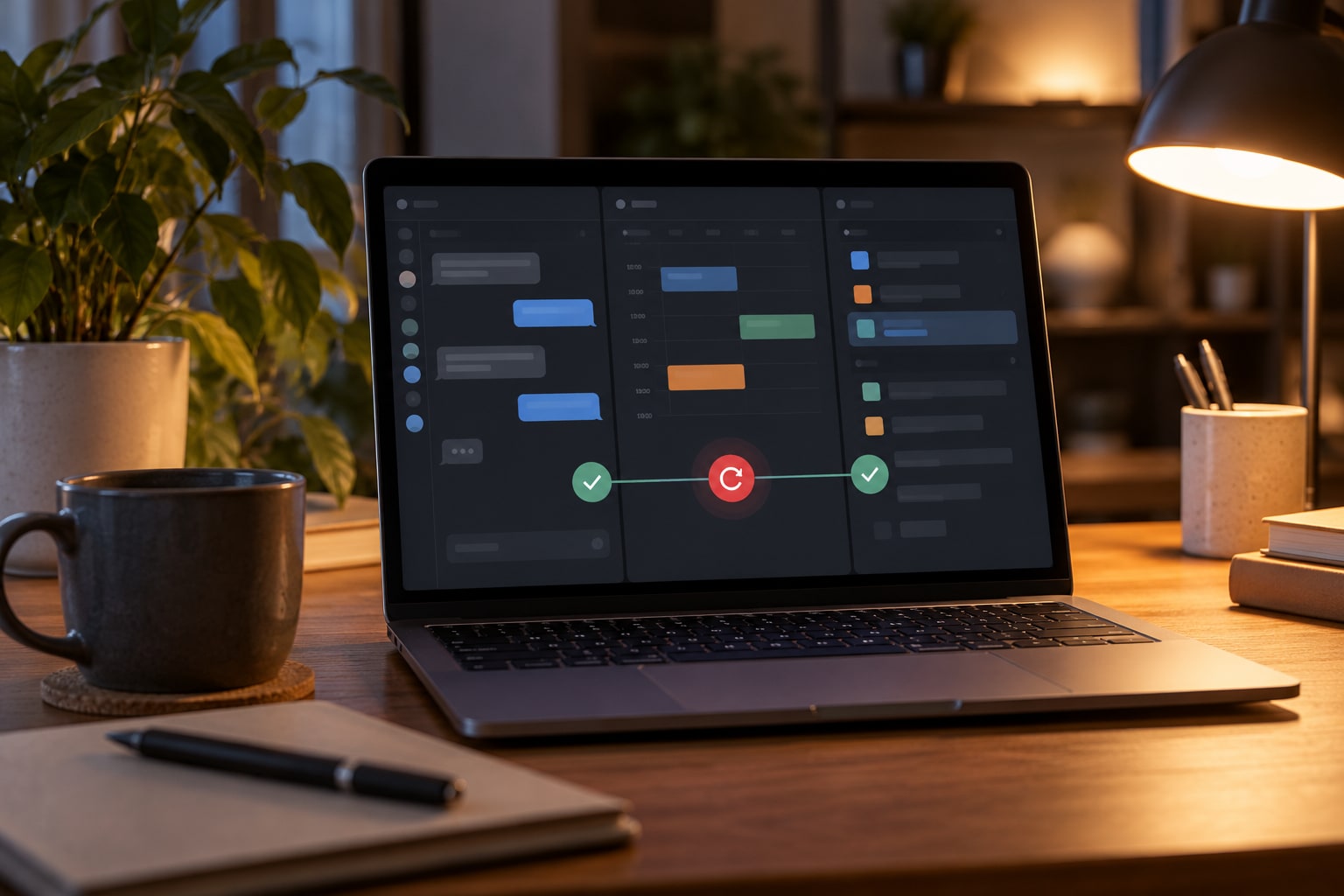
TryOpenClaw’s cloud platform supports continuous business agents by keeping OpenClaw designed to run 24/7 and automatically restarting it if an error occurs. This can suit workflows that need an agent available beyond a single work session, while the right setup still depends on the demands placed on it.
For a business workflow, consider what the agent needs to do, how often it runs, and how much disruption a pause would cause. A recurring task with predictable activity has different requirements from work that arrives in bursts or involves several agents at once. These details help you judge whether a plan’s available resources are a reasonable fit; they do not guarantee that every workload will run at the same pace.
When an agent is part of an operational process, identify what staff should do if a task is delayed or needs attention. Automatic restart after an error supports continued operation, but it does not remove the need to check that the workflow has resumed as expected. Consider who will notice an incomplete task and how the team will handle any work that requires a person’s decision.
OpenClaw can handle large workloads when its setup matches the work and capacity is reviewed as usage grows. As a practical next step, compare your expected workflow activity with the available OpenClaw cloud plans and choose a starting point that fits how your team intends to use its agents.
Related Posts

Cách nhờ OpenClaw tìm lỗi trong code

Tin mới OpenClaw tháng 10/2026: cập nhật độ ổn định, bảo mật và quy trình nâng cấp