Docker setup checklist usually starts with the same pain points: clone the repo, install dependencies, map ports, and hope the agent stays stable after updates. With TryOpenClaw, that whole setup layer is handled for you, so you can focus on the workflow instead of the infrastructure.
- You avoid the common Docker friction points: port conflicts, version mismatches, dependency issues, and unstable agent behavior after updates.
- TryOpenClaw gives you a private-cloud OpenClaw environment that is ready after signup, with no install or manual configuration.
- The service fits people who want to launch AI automation quickly, including developers, builders, and teams handling data, research, and content tasks.
- If you still need full control over the stack, self-hosting can remain the better choice for specialized environments.
What you avoid by not setting up Docker yourself
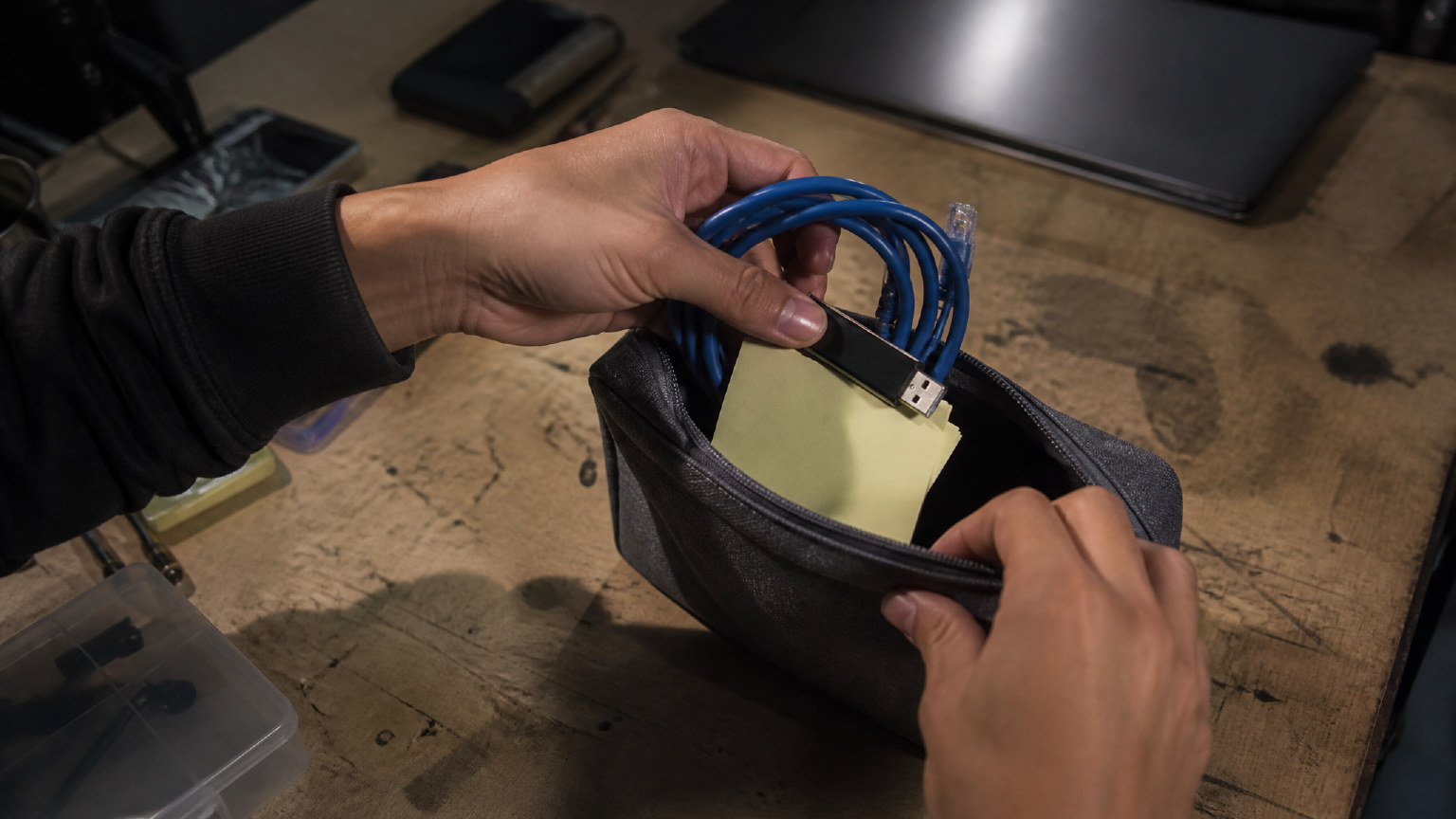
Self-setting up Docker is rarely hard because of one single step. It is usually the combination of small issues that slow you down. You may have to clone a repo, check the correct image version, expose the right port, and troubleshoot why the agent behaves differently after an update.
For OpenClaw users, that matters because the work usually begins only after the environment is stable. If the runtime is fragile, every automation task becomes harder to trust. A managed setup removes that early maintenance burden and lets you start from a working instance instead of a blank machine.
What TryOpenClaws gives you from the start
TryOpenClaw provides a private-cloud OpenClaw instance that is created automatically when you register. You log in, assign work to the agent, and begin using it without building the stack yourself. That is the core difference: the environment is already there, so your first step is usage, not installation.
The service also emphasizes isolation, so each agent runs in its own environment rather than sharing a common runtime with other systems. For many users, that is the practical value of managed hosting: fewer moving parts, less breakage from updates, and a clearer path from idea to execution.
What to check before you choose a plan
Before choosing a plan, check whether you need fast access, full OpenClaw functionality, and a setup that avoids API key management. TryOpenClaw offers Free and Starter options, so the main question is not whether the platform is available, but which level matches your workflow and usage pattern.
It also helps to think about the kind of work you will run. If you need token AI access, a ready instance, and a managed environment for automation tasks, the service is designed for that. If your priority is deep infrastructure control, custom deployment logic, or unusual system dependencies, you may want to compare it with self-hosting first.
Which workflows fit a managed OpenClaw instance
A managed OpenClaw instance fits workflows where the value comes from execution, not server maintenance. Common examples include coding assistance, CSV or Excel analysis, workflow automation, market research, Telegram or Discord community management, and content production such as SEO drafts, video scripts, basic images, or translations.
These are the kinds of tasks that benefit from a stable environment and quick start-up. When the agent can run in a separate instance and recover from issues more cleanly, you spend less time debugging the platform and more time refining the task you want automated.
How the onboarding process runs in practice

In practice, onboarding is meant to be simple: sign up, access your instance, log in, and begin assigning work. TryOpenClaw positions this as a short start-up path, so you do not have to spend time on installation, local configuration, or Docker troubleshooting before you can test the agent.
That matters most when you want to validate an idea quickly. Instead of preparing infrastructure first, you can move straight into a real use case and see whether the workflow fits your needs. If the setup is not a match, the low-friction start also makes it easier to move on without sunk time.
When self-hosting still makes more sense
Self-hosting still makes sense when you need full control over the runtime, custom network rules, unusual dependencies, or a deployment pattern that must match an internal stack exactly. Some teams also prefer to manage every layer themselves for compliance, debugging, or long-term architecture reasons.
In those cases, a managed service may be too opinionated for the job. The trade-off is straightforward: self-hosting gives you control, while TryOpenClaw gives you speed, isolation, and less setup work. The right choice depends on whether your priority is infrastructure ownership or getting the agent running quickly.
FAQ
Is TryOpenClaw a replacement for Docker setup?
For many OpenClaw users, yes. It removes the need to build and maintain the Docker environment yourself, while still giving you access to the agent workflow.
Do I need to install anything before using it?
No. The service is designed so you can register, access your instance, and start working without local installation or manual configuration.
Who benefits most from a managed OpenClaw instance?
Developers, builders, and teams that want to automate tasks quickly usually benefit most, especially when they do not want to spend time on infrastructure work.
When should I still choose self-hosting?
Choose self-hosting if you need deep control over dependencies, networking, or deployment rules that a managed environment should not abstract away.
Related Posts
OpenClaw tìm lỗi code như thế nào
OpenClaw cloud chạy workflow 24/7 thế nào